
Weather Station Accuracy
Find out whether an odd reading comes from the sensor, the site, maintenance, or settings—and fix the cause before adding a calibration offset.
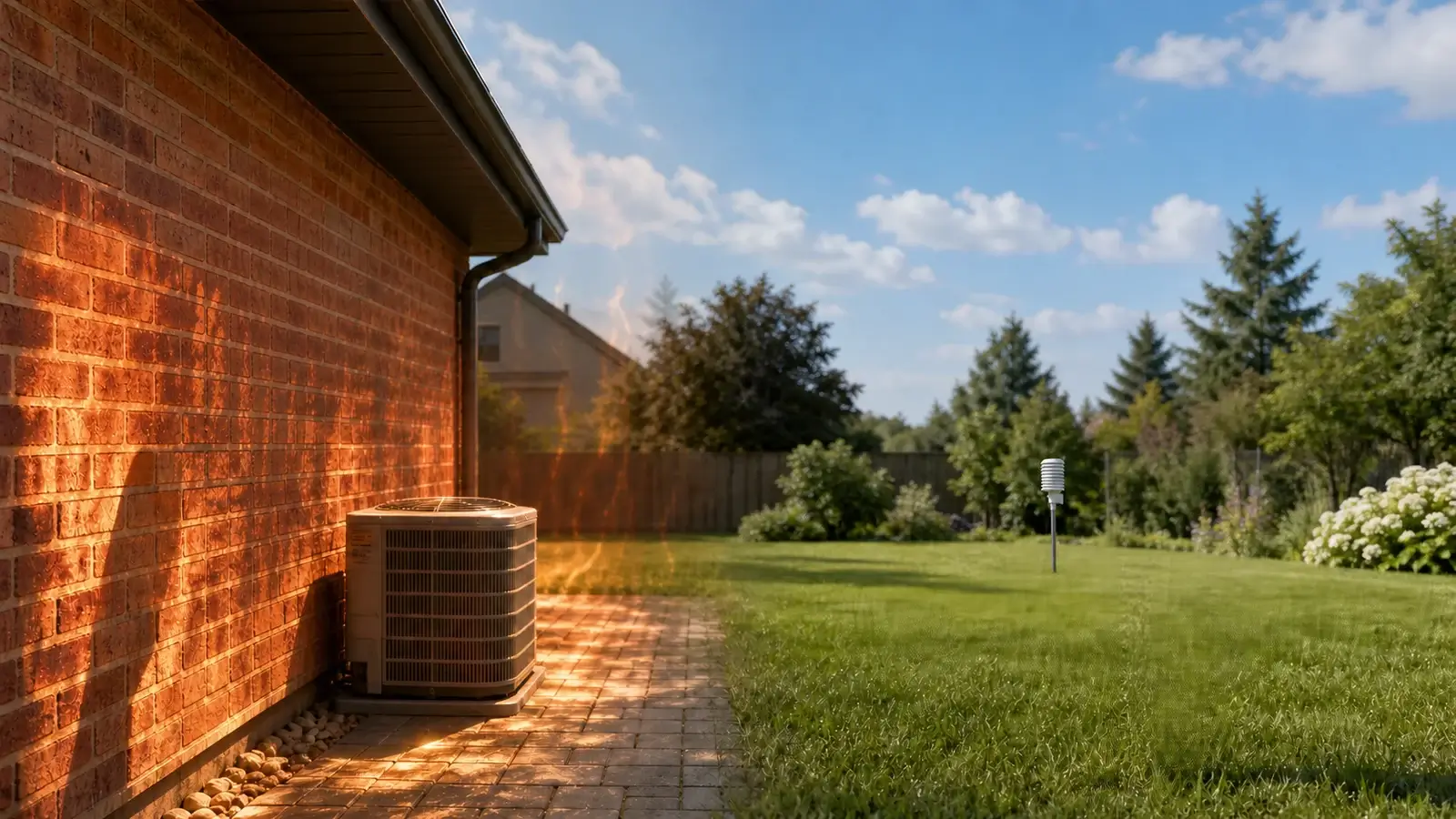
Siting, radiant heat, blocked airflow, debris, an unlevel rain gauge, elevation settings, and local microclimates often create a larger difference than the sensor’s published tolerance.
A well-sited home weather station is generally accurate enough for everyday local monitoring and trend tracking. Personal weather-station data is not automatically climate-quality, however, so use official observations and warnings for safety-critical decisions.
Accuracy check dashboard
Use the pattern of the error to decide what to inspect first.
● Diagnose before calibrating
First check: radiation shield, airflow, roof or pavement heat.
First check: level, debris, obstruction shadow, tipping mechanism.
First check: trees, roofline, walls, mast wake, vane alignment.
First check: station versus relative pressure and elevation setting.
Before you change an offset
Same time, unit, pressure type, and similar elevation?
Heat, shade, wind blockage, splash, or irrigation?
Debris, insects, dirt, tilted gauge, or binding parts?
Elevation, units, north alignment, firmware, and time?
Look for a repeatable bias, not one different observation.
A sensor can be repeatable without being close to the reference.
Similar conditions should produce a consistent pattern.
More decimal places do not automatically mean better accuracy.
An offset or adjustment may follow only after siting, maintenance, and setup errors are removed.
Five checks before you calibrate a weather station
Work in this order. It prevents a calibration offset from hiding a problem that will change with sun, wind, season, or maintenance.
Compare like with like
Match time, unit, observation type, elevation, and averaging period. A phone app may represent an airport miles away.
Inspect exposure
Look for roof heat, reflective walls, shade changes, irrigation, rain shadows, and wind turbulence.
Clean and level
Clear funnels and shields, remove insects, verify moving parts, and level the rain collector.
Verify configuration
Check elevation, relative pressure, units, time zone, firmware, and true-north wind alignment.
Log the difference
Compare several stable periods. A repeatable offset is more useful than a single snapshot.
Weather station accuracy troubleshooting
Start with the pattern you see, then test the most likely physical cause before changing software offsets.
| Symptom | Likely causes | First checks |
|---|---|---|
| Temperature spikes in sun | Radiant heat, poor shield ventilation, nearby roof or wall | Inspect shielding and airflow, compare before sunrise and after sunset |
| Humidity seems too high | Irrigation, wet vegetation, poor airflow, dirty sensor housing | Check local moisture sources and clean the shield |
| Rain total is low | Debris, gauge not level, tree/roof shadow, tipping mechanism | Level the collector, clear it, and perform the manufacturer’s tip test |
| Rain appears without rain | Birds, insects, vibration, condensation, maintenance disturbance | Inspect the collector and review the exact event time |
| Wind is low from one direction | Tree, roof peak, wall, mast wake, nearby structure | Map the obstruction direction and compare during open-flow directions |
| Wind direction is rotated | Vane aligned to magnetic north or mounted with wrong orientation | Check the manual and align using true north |
| Pressure has a steady offset | Elevation/reference error, station pressure compared with sea-level pressure | Confirm pressure type and relative-pressure setup |
| All readings drop out | Battery, wireless range, interference, receiver or firmware | Check power, signal path, console status, and update history |
Improve accuracy sensor by sensor
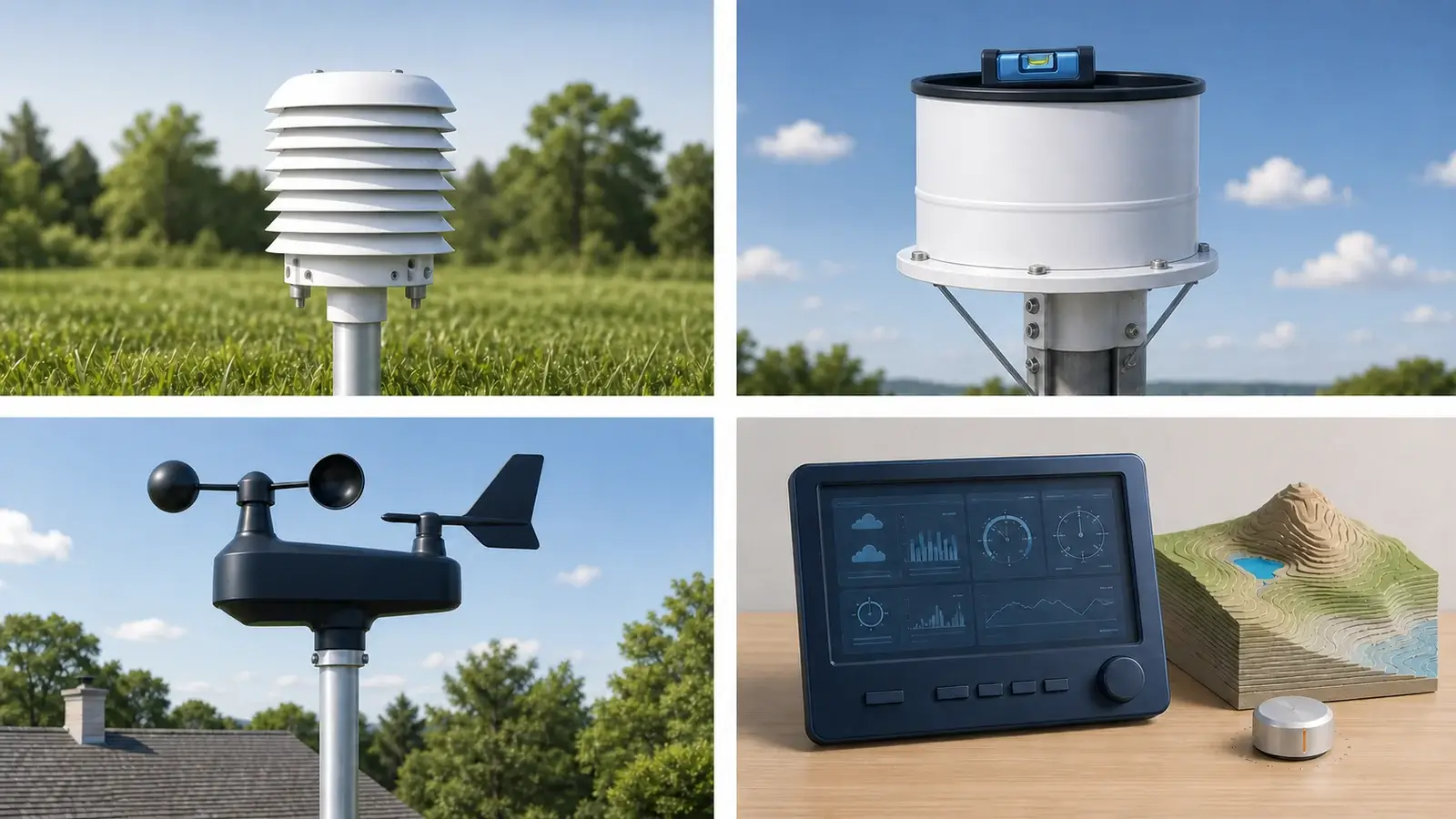
Temperature and humidity
These readings are highly sensitive to radiation, ventilation, and the surface below the sensor.
Use the dew point and humidity guide to separate a derived dew-point issue from a temperature or humidity input problem.
- Use a clean, ventilated radiation shield.
- Avoid pavement, roofs, reflective walls, vents, compressors, vehicles, and grills.
- Place over representative ground when possible.
- Compare during stable nighttime or overcast periods to separate sensor bias from solar heating.
Rainfall
Small installation problems can create a persistent rainfall bias.
- Keep the collector level and firmly mounted.
- Remove leaves, insects, nests, dust, and spiderwebs.
- Avoid roof splash, tree drip, eaves, and obstruction shadows.
- Use the manufacturer’s calibration or tip-test procedure—not an improvised pour rate.
Wind speed and direction
Buildings and trees can block, accelerate, or rotate airflow even when the sensor appears exposed.
- Raise the anemometer above nearby turbulence when safe.
- Keep it clear of the mast wake and roof peak.
- Make sure cups spin freely and the vane moves without binding.
- Align the direction reference to true north according to the manual.
Barometric pressure
The pressure sensor is often indoors, but the displayed sea-level pressure depends on configuration.
- Distinguish station pressure from sea-level-adjusted pressure.
- Enter the correct elevation or reference setting.
- Compare with a nearby official station of similar elevation during stable weather.
- Apply only a small, documented offset allowed by the manufacturer.
Relocate, clean, configure, or calibrate?
The right correction depends on whether the error changes with conditions or stays consistent.
Choose this when the error changes with sunlight, wind direction, irrigation, roof temperature, or nearby activity.
Choose this when the problem begins suddenly, moving parts bind, rain totals drop, or debris is visible.
Choose this for pressure elevation, units, time, direction alignment, console pairing, or firmware issues.
Choose this only for a stable, repeatable bias against a trustworthy reference after the other causes are ruled out.
How to compare your readings correctly
- Choose the closest suitable reference. Prefer a maintained official or well-documented station with similar elevation and surroundings.
- Match timestamps and units. Compare the same minute or averaging period, and do not mix Fahrenheit/Celsius, mph/knots, or station/sea-level pressure.
- Use stable conditions first. Overcast, calm, or nighttime temperature comparisons reduce the influence of rapidly changing solar exposure.
- Log several comparisons. Record the difference across multiple days and weather regimes.
- Look for a repeatable pattern. A fixed bias may support calibration, a changing bias usually points to exposure or maintenance.
A weather app’s city temperature, a car thermometer, a sunlit porch sensor, and an airport far away can all differ legitimately from your yard.
Use nearby weather-station networks to find comparison candidates, then check their siting and elevation. When reading surface observations, the station-model guide explains how values are positioned and encoded.
Document every change. Keep the date, old setting, new setting, reference used, and reason. That history matters when seasons or site conditions change.
Maintenance that protects accuracy
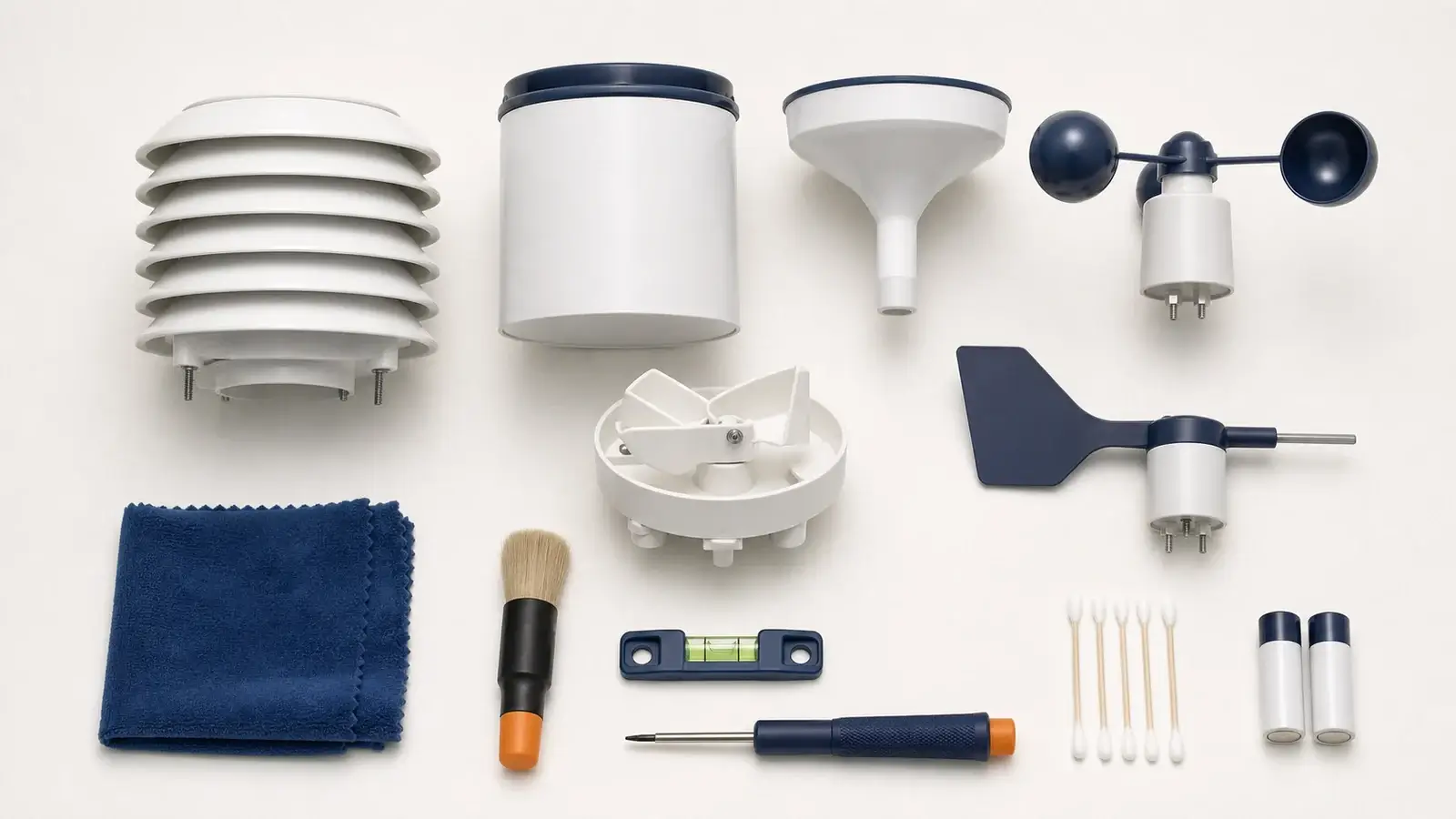
Clear the rain collector, radiation shield, solar panel, and moving wind parts. Look for insects, nests, algae, and plant growth.
Confirm the mast is plumb, rain gauge level, vane orientation correct, brackets tight, and debris screens seated.
Check batteries, firmware, sensor condition, offsets, comparison history, and whether new trees or structures changed exposure.
Use the complete weather station maintenance guide for cleaning and inspection details, and the mounting guide if the current site cannot be corrected.
Frequently asked questions
How accurate are home weather stations?
Accuracy varies by sensor and model. Published tolerances describe the sensor under specified conditions. Real-world results also depend on placement, shielding, leveling, maintenance, settings, and local exposure.
Why is my weather station warmer than the weather app?
Your sensor may be influenced by sunlight, a roof, pavement, a wall, or limited airflow—or your yard may simply be warmer than the app’s distant reference station. Compare during overcast or nighttime conditions before recalibrating.
Can I calibrate a personal weather station?
Many stations allow small offsets for some sensors. Follow the manufacturer’s instructions and calibrate only after confirming a stable bias against a suitable reference.
How do I know whether my rain gauge is accurate?
First confirm it is level, clean, unobstructed, and mechanically free. Then use the manufacturer’s test or calibration method and compare storm totals with nearby well-sited gauges over multiple events.
Should my home station exactly match the airport?
The answer is no. Elevation, distance, ground cover, buildings, observation timing, and microclimates can produce legitimate differences. Look for consistent unexplained bias rather than an exact instant match.
Sources and further reading
These primary references explain personal-station siting, measurement quality, and the distinction between calibration and adjustment.
NWS/CWOP Official Guide for Personal Weather Stations — sensor siting, exposure, maintenance, and data quality.
NWS Personal Weather Station Siting Guide — best-case placement, practical compromises, and climate-quality limitations.
NIST calibration definition and NIST adjustment definition — why checking against a reference and changing an offset are related but distinct steps.
Guidance reviewed against NWS/CWOP, Weather Underground, Davis Instruments, and Ambient Weather resources. Use the manufacturer manual for model-specific tolerances, maintenance, and calibration procedures.