
AcuRite Iris Review: Which 5-in-1 Model Should You Buy?
Most AcuRite Iris model numbers describe a display, connectivity method, or accessory bundle—not a completely different outdoor weather station. This guide compares the current 01512 and direct-to-Wi-Fi choices with the most common current and legacy Iris packages.
Affiliate disclosure: As an Amazon Associate, WXObservation earns from qualifying purchases, at no additional cost to you. Availability, seller, sensor revision, display, and bundle contents can change. Confirm the complete model number before ordering.
The two Iris versions most buyers should compare
AcuRite 01512 Iris
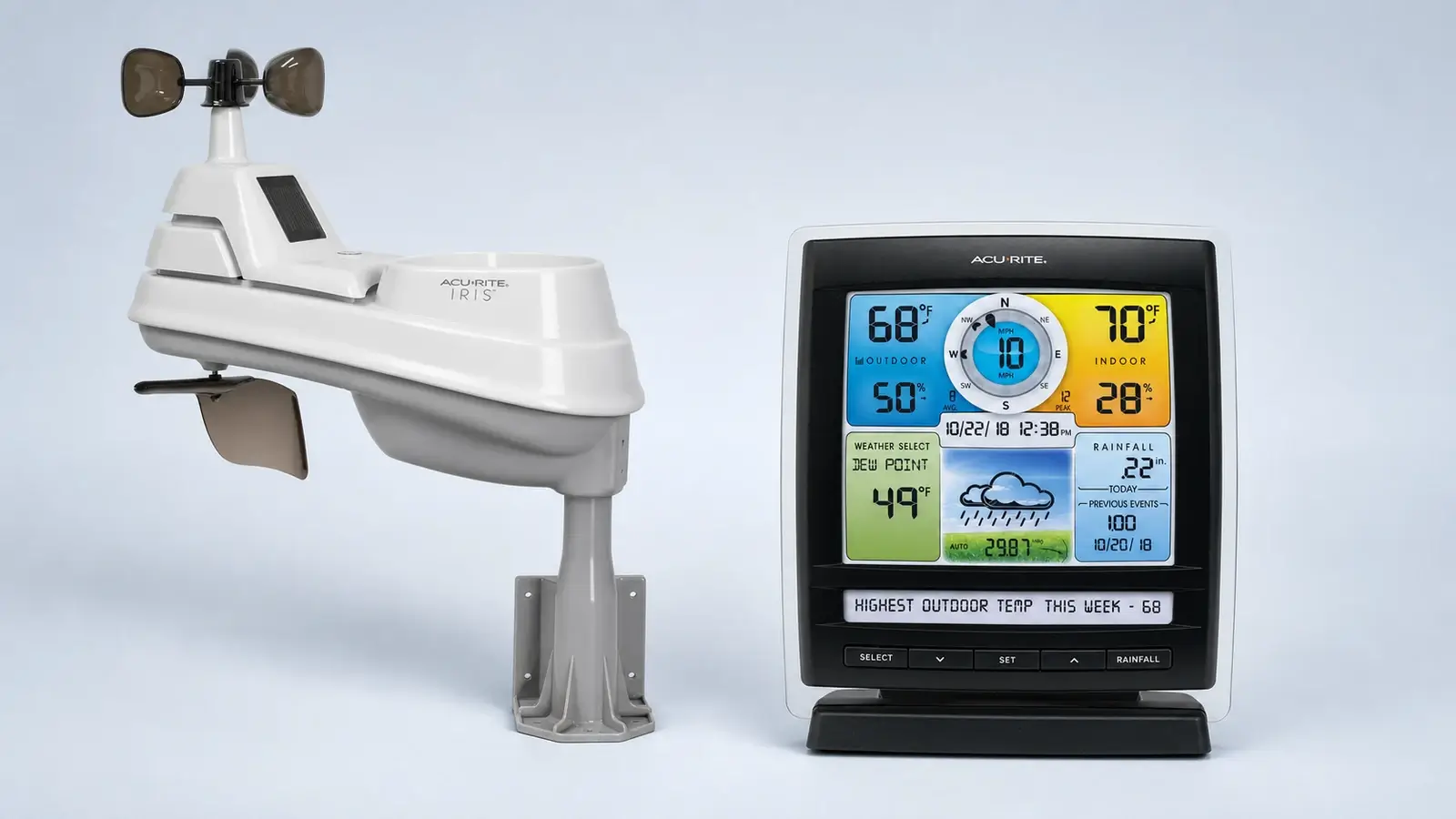
Choose the 01512 family when you want the five core outdoor measurements on a dedicated Weather Ticker-style color display and do not need direct Wi-Fi, cloud history, or phone alerts.
Know before buying: the 01512 name spans older and revised packages. Match the sensor and display IDs shown in the listing to the current manual instead of assuming every 01512 has the 2026 sensor revision.
AcuRite 01544M Iris
Choose the direct-to-Wi-Fi package when phone access, remote monitoring, and alerts matter more than getting the lowest-priced Iris console. Its display connects without an old smartHUB or always-on PC.
Know before buying: verify which app and sharing services the exact current display supports. AcuRite has changed its connected-product lineup over time, so old setup articles are not interchangeable with current instructions.
Where the AcuRite Iris 01540M fits
The 01540M is an Iris 5-in-1 bundle with a direct-to-Wi-Fi color display (06086M). It measures the same outdoor basics as other Iris packages—temperature, humidity, wind speed, wind direction, and rainfall—but the display’s internet path is specifically documented for Weather Underground. It is not a My AcuRite or AcuRite NOW station.
You want direct Weather Underground upload
The display connects to 2.4 GHz Wi-Fi and sends its supported readings to Weather Underground without an Access hub. It remains a useful marketplace option when the exact bundle is available over $100.
You want AcuRite’s current app platform
Official support classifies 06086M/01540M as Weather Underground-only. Buyers who want AcuRite NOW should choose a current compatible package rather than assuming every Wi-Fi Iris display uses the same service.
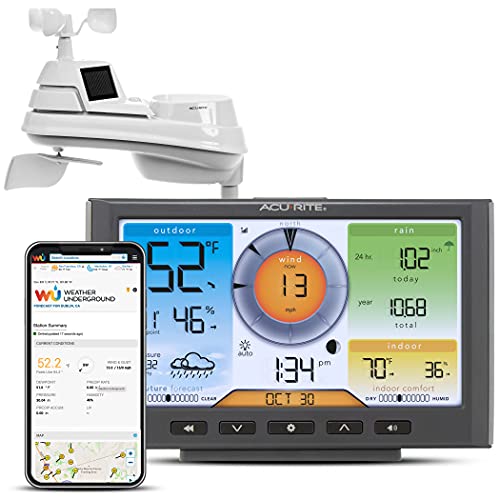
AcuRite Iris 01540M
A familiar five-in-one Iris array paired with display 06086M for direct Weather Underground upload and a local color dashboard.
Confirm model 01540M and display 06086M. Similar Iris ASINs may use different displays, app paths, lightning accessories, or no Wi-Fi at all.
Current AcuRite Iris model numbers
AcuRite’s current Iris pages show multiple bundle numbers. The sensor family is shared, but the console layout, connectivity, color, and included accessories can differ. Model suffixes also change with retailer, color, or package revision, so use the complete number printed on the sensor and display.
| Model or family | Main difference | Connection | Best fit |
|---|---|---|---|
| 01512 / 01512MCBA1BK | Weather Ticker-style color display. Current packages may use the revised 2026 Iris sensor. | No direct Wi-Fi | Most buyers who want a readable local console. |
| 01528MCBA1 | Another current color-display package. Confirm the display face and exact sensor revision in the listing. | No direct Wi-Fi | Buyers choosing by console layout or price. |
| 01544M / 01544MCBA1BK | Direct-to-Wi-Fi display intended for remote monitoring without a separate bridge. | Direct Wi-Fi | Phone access, alerts, and remote viewing. |
| 01535BK bundle | HD display that can show lightning data when paired with the compatible 06045M lightning sensor. | Non-connected HD display | Larger dashboard-style display and optional lightning data. |
| 01536MCB | Color display with PC Connect support. It requires a compatible Windows computer and USB connection for online sharing. | PC Connect | Existing PC Connect users. A current direct-to-Wi-Fi bundle is simpler for a new connected setup. |
| 01517 / 01529 | Current catalog color-display variations. Console format and package details differ more than the five outdoor measurements. | Typically local display | Price or display-layout shoppers who verify the exact bundle. |
AcuRite’s compatibility chart lists several current Iris displays, including direct-to-Wi-Fi, Nano, horizontal, vertical, Weather Ticker, Mini, and lightning-capable HD options. A compatible display does not mean every retail bundle includes that display or the lightning sensor.
Legacy Iris models: identification and owner support
AcuRite sold several earlier Iris/5-in-1 bundles whose main differences were the display and connection hardware. These model numbers remain useful for identifying existing equipment, finding the correct manual, and checking compatible parts. AcuRite places the 01012 and 01036 families in its discontinued-product support area, and retired smartHUB, Access, or PC Connect hardware is not the best starting point for a new connected installation.
| Legacy model | What made it different | How to treat it now |
|---|---|---|
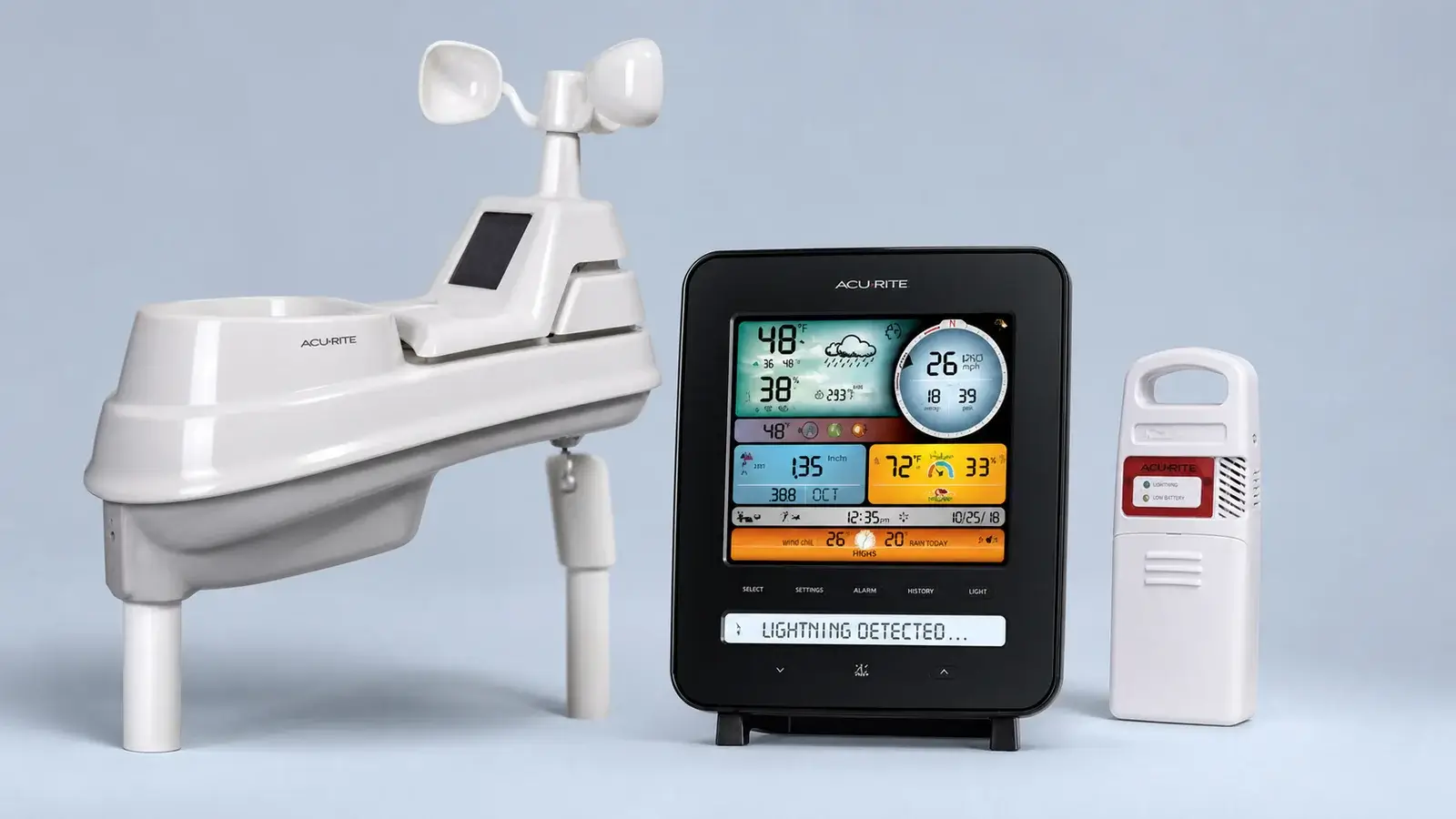
| 01022M | Weather Ticker display plus a separate compatible lightning detector. | Useful for owners and carefully verified old stock. Lightning distance is an estimate and false detections are possible. |
| 01024M | Larger HD display plus a separate lightning detector. | Choose only when the exact package, display power needs, warranty, and condition are clear. |
| 01012M | 01512-style console and Iris array bundled with AcuRite Access for remote monitoring. | Discontinued bundle, good owner reference, but a current direct-to-Wi-Fi package is simpler for a new connected purchase. |
| 01036M | PC Connect display uploads through USB software on an always-on compatible Windows computer. | Discontinued family, reasonable for an existing installation, awkward as a new internet-connected setup. |
| 01057RM | Earlier remote-monitoring bundle associated with smartHUB-era hardware. | Do not buy it to build a new smartHUB system. Verify support and every included component before considering used stock. |
Use these model numbers to identify equipment and locate the correct AcuRite documentation. Existing owners should match both the sensor and display IDs before ordering parts. For a new purchase, a current Iris bundle generally offers a clearer warranty, support path, and connection method than discontinued old stock.
What every Iris sensor measures
| Measurement | What to know |
|---|---|
| Temperature and humidity | Measured inside the shielded portion of the outdoor array. Aspirated airflow helps, but nearby roofs, walls, pavement, exhaust, and reflected heat still matter. |
| Wind speed and direction | Measured at the same height as the rain and temperature sensors. Wind benefits from higher, more open exposure than the other measurements usually do. |
| Rainfall | A self-emptying tipping collector reports accumulation. The collector must stay level and free of insects, seeds, debris, and splash. |
| Barometric pressure | Measured by the indoor display or connection device, not by the outdoor Iris array. |
| Lightning | Not built into the Iris array. It requires a compatible separate detector and a lightning-capable display or bundle. |
| UV and light intensity | Not measured by Iris. Buyers who need those observations should compare the AcuRite Atlas platform. |
Accuracy depends more on siting than the bundle number
Every Iris package inherits the same all-in-one compromise: five outdoor measurements share one mount. Wind wants height and open exposure, temperature and humidity want representative natural ground and separation from heat, rain wants a level collector with a clear view of the sky. There is no single mounting point that perfectly satisfies all three.
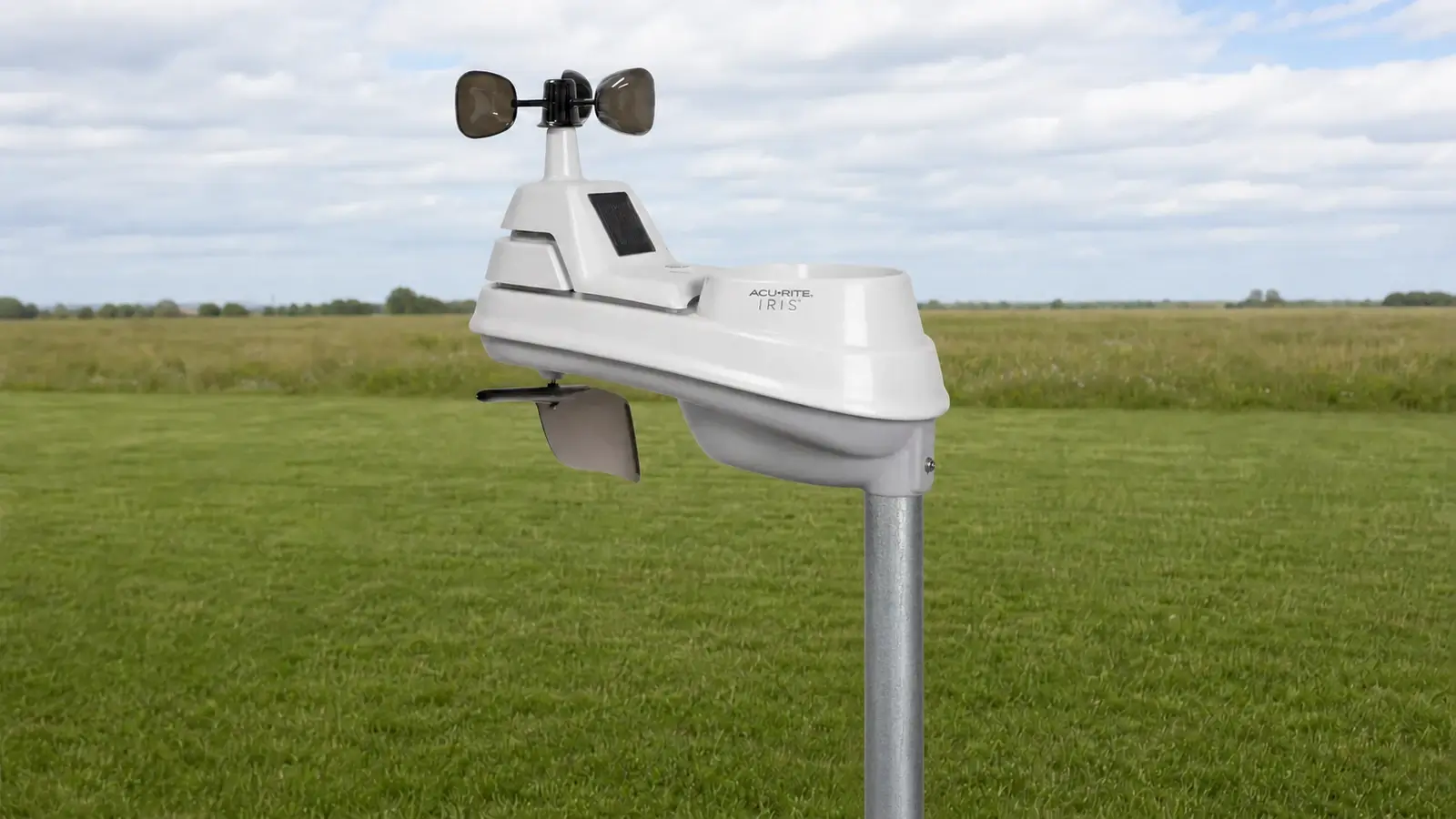
- Level the rain collector and recheck the mast after storms or freeze-thaw movement.
- Keep the array away from roof heat, pavement, HVAC exhaust, dryer vents, sprinklers, and tree drip.
- Use the north or south alignment specified for the exact sensor revision and hemisphere.
- Keep the installation reachable for battery replacement, rain-gauge cleaning, and insect removal.
- Compare full storm totals and stable temperature periods before applying a calibration offset.
Displays, Wi-Fi, and lightning are the real model differences
Simplest setup
A non-connected display keeps current conditions visible without an app or cloud account. It is the best fit for a kitchen, office, classroom, workshop, or gift recipient who primarily checks conditions at home.
Best remote path
A current direct-to-Wi-Fi display is the cleanest Iris choice for remote monitoring. Confirm the current app, account, alert, and sharing features for the exact display before ordering.
Owner support only
Access and PC Connect can still matter to existing owners, but an old bridge or always-on computer should not be the starting point for a new connected installation. Do not add a retired smartHUB to chase remote access.
Power, maintenance, and replacement parts
The small solar panel on many Iris sensors assists the aspirating fan, it does not eliminate the required outdoor batteries. Dual-panel replacement sensors and optional solar power packs are separate configurations, so follow the power instructions for the exact sensor number.
AcuRite’s current compatibility chart lists replacement wind cups, a wind-vane part, temperature-humidity boards, mounting brackets, remote battery options, a signal extender, lightning detection, and compatible displays. Compatibility remains model-specific. Check the sensor and display labels before ordering a replacement simply because it carries the Iris name.
Who should buy an AcuRite Iris?
- You want temperature, humidity, wind, and rain without paying for UV or light sensors.
- You prefer a familiar dedicated display.
- You can give the integrated array an open, level, serviceable site.
- You are willing to verify the complete sensor and display model numbers.
- The chosen bundle costs meaningfully less than Atlas or Optimus.
- You need UV and light-intensity data.
- You want included lightning detection rather than an optional separate sensor.
- You need the newest AcuRite NOW platform and Optimus hardware.
- Your site requires independently positioned wind and temperature sensors.
- The Iris bundle is priced too close to a better-equipped current station.
Frequently asked questions
Are AcuRite Iris model numbers different weather stations?
Usually not in the way shoppers expect. Most Iris bundle numbers combine an Iris five-measurement outdoor sensor with a particular display, connection device, lightning detector, or accessory package. Sensor revisions can change, so the complete sensor ID still matters.
Which AcuRite Iris model is best?
The 01512 family is the clearest value choice when a local display is enough. The 01544M direct-to-Wi-Fi family is the better choice when remote viewing and alerts are required. Other current packages can make sense when their display style or included accessories fit a specific need.
Does every Iris have Wi-Fi?
The answer is no. The classic 01512 and many other Iris displays are local-only. Wi-Fi depends on the exact display or connection device included with the bundle.
Does every Iris detect lightning?
The answer is no. Iris lightning data requires a separate compatible detector and a lightning-capable display. The 01022M and 01024M included that arrangement. Current compatible hardware must be verified by model number.
What is the difference between 01022M and 01024M?
Both paired an Iris/PRO+ array with a separate lightning detector. The 01024M centered on a larger HD dashboard, while the 01022M used a Weather Ticker-style color display. Both are better treated as legacy owner references than default new purchases.
Can I use a current sensor with an older display?
Possibly, but only when AcuRite’s compatibility chart lists the exact display and sensor combination. Radio family, firmware, lightning support, and display capabilities should not be inferred from appearance alone.
Is this a hands-on AcuRite Iris review?
The answer is no. This family review is based on current manufacturer product pages, manuals, compatibility material, selected owner reports, and model-specific research. We do not claim laboratory testing or undocumented long-term ownership.
Bottom line
Use this guide to identify the correct AcuRite Iris bundle. Current and older model numbers can refer to different combinations of outdoor sensors, displays, and connection methods. For a new purchase, start with the current 01512 local-display family or the 01544M direct-to-Wi-Fi family. Use the older 01022M, 01024M, 01012M, 01036M, and 01057RM entries to identify existing hardware and evaluate old stock—not as separate first-choice recommendations.
Related Station Guides
Use these practical guides to get more reliable readings and a better ownership experience:
- All-in-one station tradeoffs — Learn where integrated arrays simplify setup and where shared placement creates compromises.
- Installation and siting — Place the sensors where buildings, pavement, trees, and roofs will not bias the readings.
- Maintenance checklist — Keep the rain collector, radiation shield, wind sensors, batteries, and mounts in working order.
Sources and review basis
This family review uses current AcuRite product pages, manuals, compatibility charts, discontinued-product documentation, and exact retailer listings checked in August 2026. Specifications and bundle availability can change. The model labels on the sensor and display take priority over a reseller’s shortened title.