
Weather Station Console, App, or Gateway: What Do You Need?
Choose the right receiver and viewing options for your home weather station. Learn when a console already handles uploads, when a separate hub helps, and what to check before buying an extra device.
You do not necessarily need a console, a separate gateway, and an app. You need a compatible receiver for your outdoor sensors and a way to view its readings. A console usually combines the receiver and a screen, and some also upload observations. A displayless gateway receives the sensors and connects their data to supported network services. An app is software for viewing or setup, so installing one usually does not replace the receiving hardware.
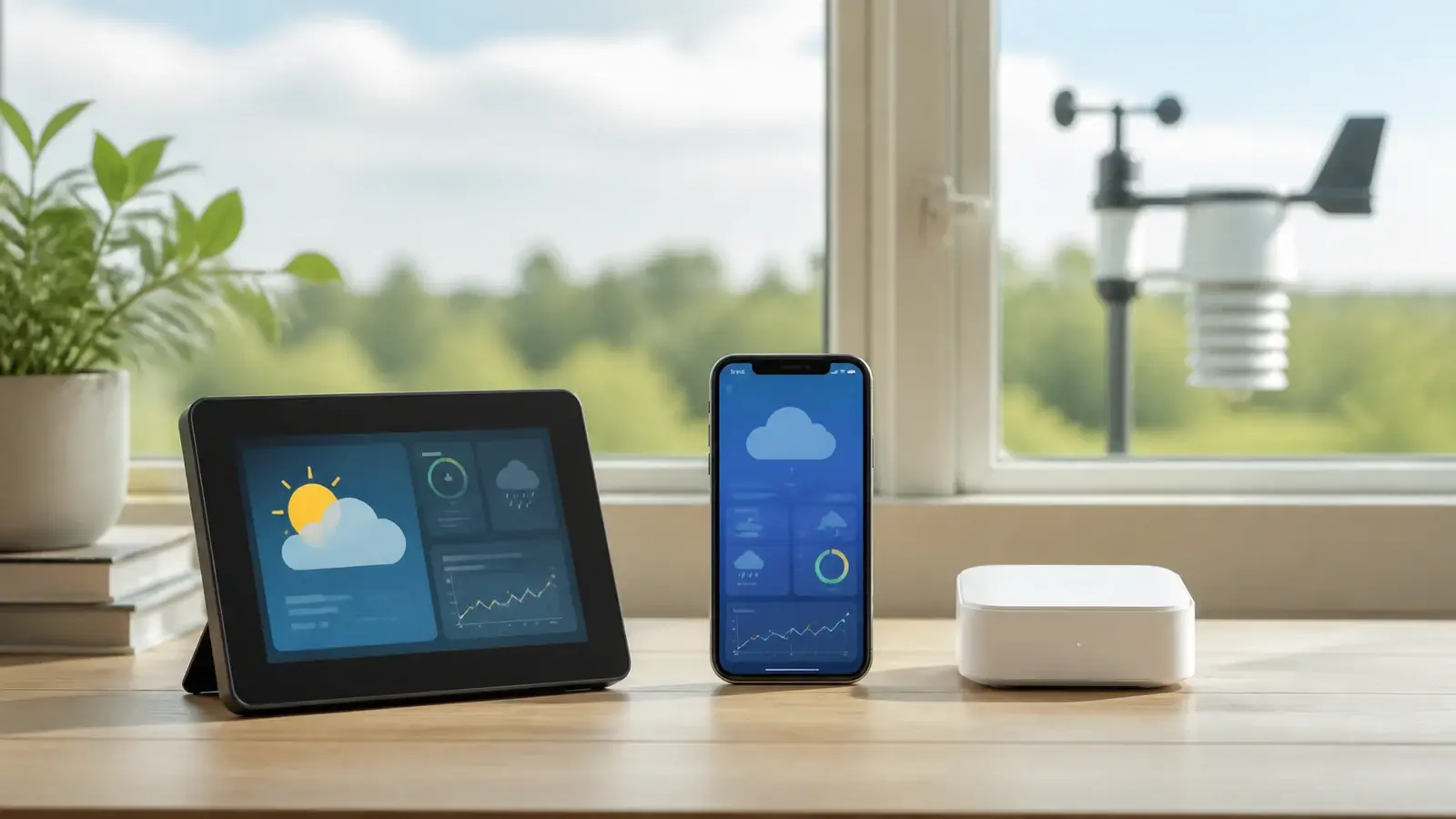
Separate the hardware from the way you view it
A dedicated display normally receives compatible sensors and shows their observations. Depending on the model, it may also provide history, alarms, settings, or internet uploads.
A displayless receiver can pass observations to a home network or online service. Local viewing, storage, and connections to other software depend on the exact device.
The app may configure hardware, read a local device, or display a cloud account. Those are different functions. A weather app that shows nearby stations is not necessarily connected to your own sensors.
The sensor array measures your weather. Its radio link to a receiver is usually separate from the receiver’s Wi-Fi or Ethernet connection. “Wireless” does not by itself tell you which link a product uses.
Manufacturers use names such as base station, bridge, hub, and gateway differently. Find the system diagram and the list of included parts. An app can accompany either a console or a displayless hub, so these are not three mutually exclusive choices.
Start with where you want to read your weather
| Your priority | Look for | Check before buying |
|---|---|---|
| A permanent screen in the kitchen or office | A compatible console with readable local observations | Which sensors it displays, viewing angle, brightness controls, power needs, and local alarms |
| Checking your station from a phone while away | A receiver that uploads to the supported service, plus its app or web dashboard | Internet at the station, account requirements, and which features require payment |
| Both a home screen and remote viewing | A connected console, or a documented console-and-hub combination | Whether the console already uploads before adding a separate gateway |
| Local records or a smart-home connection | Documented storage, export, or a supported local interface | The exact data available and whether the integration needs internet or vendor servers |
A console makes sense when several people want to glance at conditions without opening an app. A displayless hub can make sense when a screen would go unused or when you want to place the receiver separately from the viewing device. Neither label guarantees better sensor reception or more accurate measurements.
For a new station, use our home weather station comparisons to compare complete systems once you know which viewing arrangement you want. Include the sensors, required receiver, optional display, and any service fees in your budget.
Three examples that prevent buying the wrong extra box
Ambient WS-2000: a console that also uploads
The WS-2000 pairs a color display with a Wi-Fi connection for uploading to Ambient Weather Network. You do not need a separate gateway just to give that console its documented upload function. Confirm the exact replacement-console model if you are upgrading an older station. See Ambient’s WS-2000 specifications for the hardware features, then our WS-2000 review for the buying tradeoffs.
Ambient WS-5000-IP3: a hub instead of an included screen
Ambient’s WS-5000-IP3 bundle includes an AWN Weather Hub and does not require a dedicated display console. Ambient lists compatible consoles as optional additions. This is why the full bundle name matters: buying a station from the same product family does not necessarily get you the same indoor equipment.
Davis WeatherLink Console: different from WeatherLink Live
The WeatherLink Console has built-in Wi-Fi. Davis says it does not need a separate WeatherLink Live device to connect to Wi-Fi, and it can receive supported Vantage Vue or Vantage Pro2 sensors without Wi-Fi. Do not assume an older Davis console has those same functions. The WeatherLink Console FAQ also explains that its microSD port is not for end-user data export. Our Vantage Pro2 review helps put the console choice in the context of the complete station.
Two common routes to phone viewing
Connected console
- Compatible outdoor sensors
- Console receives readings
Built-in screen for local viewing - Home router
- Internet and supported online service
- Phone app or web dashboard
The console handles the upload. A separate gateway is not automatically required.
Displayless hub
- Compatible outdoor sensors
- Hub receives readings
No dedicated display in this route - Home router
- Internet and supported online service
- Phone app or web dashboard
The hub handles the upload. A separate screen is optional only when the system supports one.
Check these details before buying or replacing a receiver
Compatibility comes before extra features
Record your sensor model, receiver model, hardware revision, and radio region. Check the manufacturer’s compatibility list rather than relying on the brand name, appearance, or frequency alone. If only your console has failed, check whether a compatible receiver is sold separately before replacing a working outdoor array. Also check which add-on readings appear on the console and which appear only in the app. A receiver may accept a sensor without giving every screen or service the same display options.
If you want to keep an existing console and add a hub, verify that the exact system supports both listening to the sensors. Multiple receivers, pairing rules, and retransmission vary. A second receiver also needs suitable placement and its own power. Our sensor transmission-range guide covers the radio path and placement limits.
Ask four separate questions about your records
- Can I see current readings locally? A working display does not prove that observations are being saved.
- Where is history stored? Identify the console, hub, memory card, computer, or online account that holds it.
- Can I export it? Check the method, file format, and account tier. A card slot or graph is not evidence of downloadable records.
- Will missed uploads be restored? Backfill depends on the receiver, service, and destination. Local storage does not guarantee automatic recovery on every website.
For a cabin or unreliable connection, use our guide to Wi-Fi and what works offline. It separates internet failure from router failure and loss of power. Here, the buying decision is to verify the capability you need rather than choosing by the words console or gateway.
Check the app before committing
Read the current account and subscription terms for the features you will use, such as longer history, export, sharing, or alerts. Find out whether initial setup needs a supported phone and whether daily viewing needs vendor servers. A local web page may offer access from your home network without being reachable while you are away. Ask for the documented remote-viewing route rather than assuming a local address works everywhere.
Also distinguish an audible alarm on the console from a notification sent to your phone. Check which device or service produces each alert and what must stay powered and connected. A local alarm does not automatically give you a remote notification.
If the screen and app disagree, check the route first
Check observation timestamps and confirm that the app is displaying your station. A recent console reading beside an older app value suggests checking the upload route before resetting outdoor sensors. If the app uses a separate hub, check that hub’s reception as well as its network connection.
If both views lose the same measurement, examine whether they share one receiver or have separate receivers. Start with power, signal status, and the relevant sensor’s last report. That pattern is a clue, not proof of a failed sensor. Use our console not receiving sensor data checklist for radio-side problems and our Weather Underground upload checklist when that specific destination is stale.
Questions buyers and owners ask
Do I need a gateway if my console has Wi-Fi?
Not necessarily. If the console receives your sensors and uploads to the service you need, another gateway may add no useful function. Verify any separate requirement for extra sensors, local software, or a different destination.
Can I replace the console with an old tablet?
A tablet can show a supported app or dashboard, but it usually does not replace the receiver. You still need hardware that receives the outdoor sensors and supplies data to that software. Check charging, screen behavior, and account access before relying on a permanent tablet display.
Can I use a hub from another brand?
Only with documented support for the exact sensor and radio region. A similar case, shared frequency, or apparently related product does not establish compatibility.
Does paying for an app improve the sensor readings?
A subscription can change available history, analysis, export, or alerts. It does not by itself improve the outdoor sensor’s siting or measurement accuracy. Compare the specific paid features with what you need.