
Ambient Weather WS-1965 vs WS-2902: Which Is the Better Buy?
The WS-1965 generally costs less and supports more kinds of optional sensors. The WS-2902 adds UV and solar readings plus a wider console. Neither is the automatic upgrade for everyone.
Choose the WS-1965 for inexpensive backyard weather monitoring with room to add useful sensors. Choose the WS-2902 if you want UV and solar-radiation readings out of the box and prefer its wider display.
For someone who mainly checks weather on a phone, we’d start with the WS-1965 and put the savings toward a good mounting location. We’d pay more for the WS-2902 when its extra outdoor measurements are part of the reason for buying a station, not simply because its model number is higher.
Affiliate disclosure: As an Amazon Associate, WXObservation earns from qualifying purchases at no extra cost to you. Check the current seller, price, model revision, and included components before ordering.
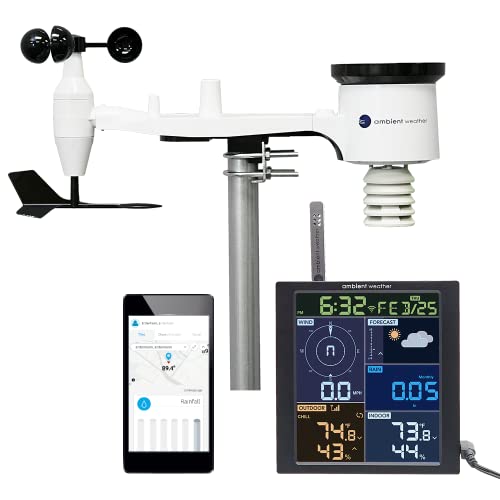
Ambient Weather WS-1965
Core wind, rain, temperature, and humidity measurements with a small color console and Ambient Weather Network access. A particularly interesting choice if you want to add garden or home-monitoring sensors later.
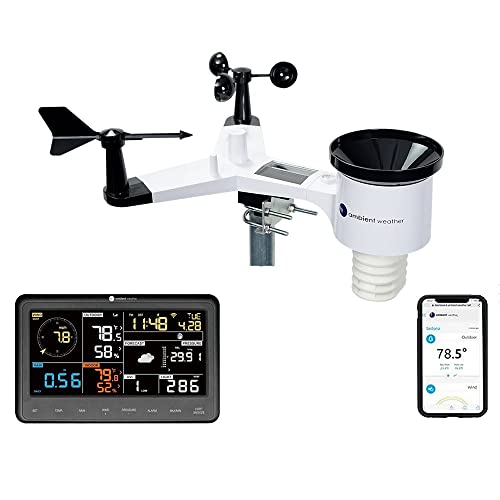
Ambient Weather WS-2902
The integrated array adds UV and solar radiation to the backyard essentials. Its wider console makes a different tradeoff from the tiny WS-1965 display, but it is not a premium TFT screen.
WS-1965 vs WS-2902: the differences that matter
Both stations cover the readings most people want first: outdoor temperature, humidity, rainfall, wind speed, and wind direction. Both connect to Ambient Weather Network through Wi-Fi. The real choice is between the WS-1965’s lower-cost, expandable approach and the WS-2902’s extra built-in measurements.
| Buying decision | WS-1965 | WS-2902 |
|---|---|---|
| Core backyard readings | Temperature, humidity, wind speed/direction, and rain | The same core measurements |
| UV & solar radiation | Not measured by the included array | Included in the outdoor array |
| Outdoor updates | 16-second reporting interval | 16-second reporting interval |
| Console | Compact, nearly square color display | Wider color-film LCD; check viewing angle |
| Optional sensors | Broader selection, including compatible soil, leak, and lightning sensors | More limited accessory selection; check exact revision and sensor |
| Accessory readings | The manual describes local WH31 temperature/probe/pool readings; check each add-on’s display support | Check the exact console revision and add-on; online support does not guarantee local display |
| Outdoor power | Battery-powered array | Solar-assisted array with backup batteries |
| Sensor placement | Integrated array on one mount | Integrated array on one mount |
Manufacturer documentation checked November 2026. Reporting intervals describe the outdoor sensor, not a guarantee that the app refreshes every 16 seconds. WS-2902 setup details vary by revision; this comparison uses the current WS-2902D manual where revision-specific detail matters.
The display is a bigger difference than it looks online
The WS-1965 console is small enough that we’d plan to read it from nearby rather than across a room. Its frame is roughly 4.1 inches wide and 4.4 inches tall. That can be a useful fit for a crowded desk, but product photos don’t always convey how little space there is for the readings.
The WS-2902D console is about 7.5 inches wide and 4.5 inches tall. That wider layout may suit someone who wants a dedicated weather display, although its color-film LCD should still be viewed from a sensible angle. A bigger console alone doesn’t make it a premium screen. If screen quality and flexibility are your main reasons to spend more, our WS-2000 vs WS-2902 comparison is the more useful next read.
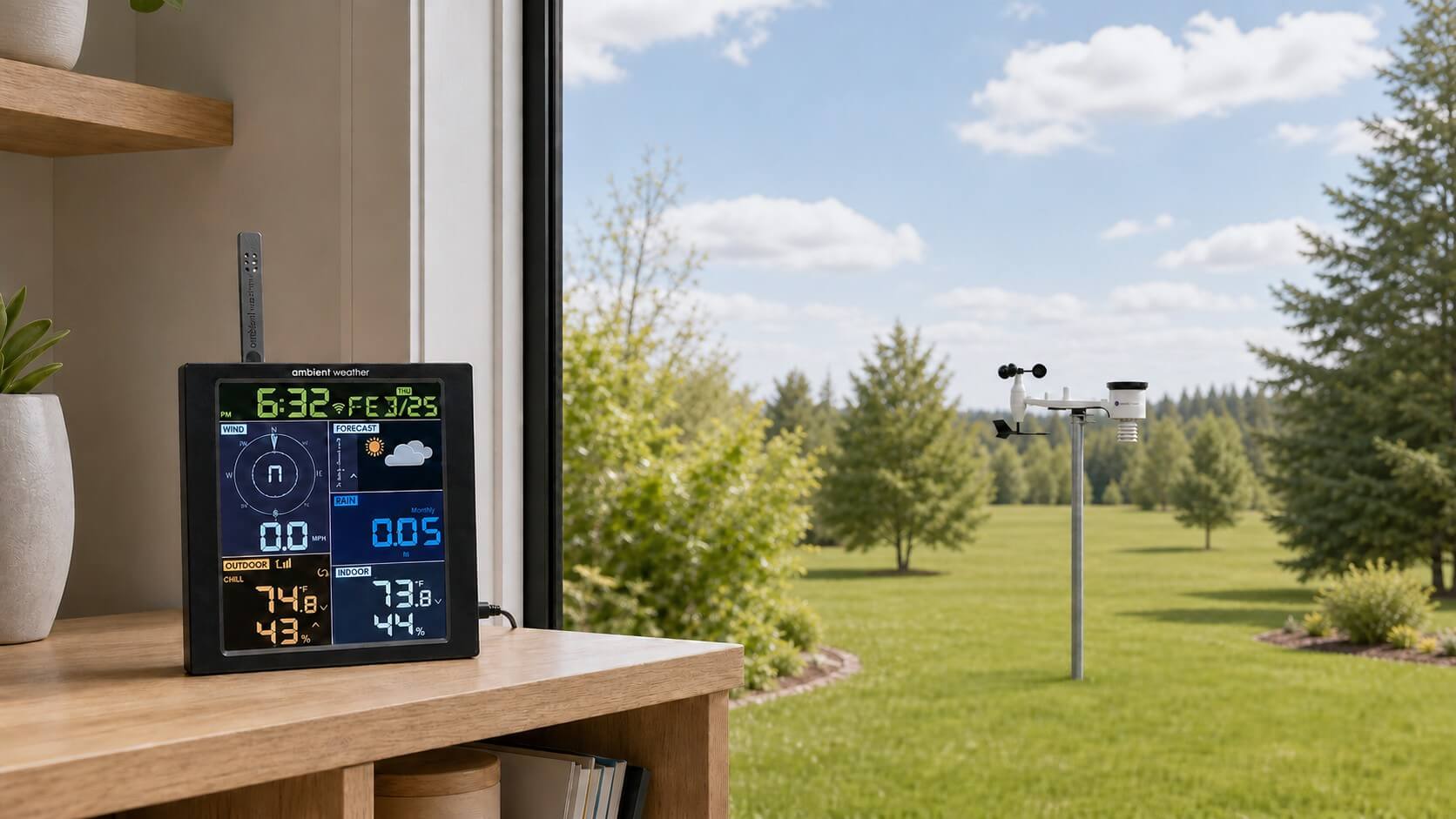
For either model, keep the console away from sunny windows, vents, and nearby heat sources. Indoor readings can be affected by where you put the screen. Plan to use the normal external power connection for a permanent Wi-Fi setup rather than choosing on battery operation alone.
The cheaper station has the more interesting expansion path
This is the easiest part of the comparison to get wrong. Paying more for the WS-2902 does not automatically buy broader accessory support. The WS-1965 supports useful options such as compatible soil-moisture, leak, and lightning sensors, in addition to temperature/probe/pool and air-quality options. That makes it worth a close look for a garden, basement, pool, or detached-building project.
There are two separate questions to ask before ordering an add-on: will this exact sensor work, and where will I see its data? Section 12.2 of the WS-1965 manual describes local console readings for the WH31E, WH31P, and WH31PF temperature/probe/pool group. However, the same manual also uses broader pass-through wording for optional sensors. We would not assume that every compatible accessory appears on the console: confirm the exact sensor’s display support before buying, especially if you want to read it without opening AWN.
For the WS-2902 family, accessory and display support depend on the console revision. Ambient’s guidance for some revisions describes optional readings as online-only; that should not be treated as proof of every revision’s capabilities. Don’t apply the capabilities of a newer console to an older used unit, or assume that online compatibility guarantees local display. Check Ambient’s current sensor-compatibility chart against the exact station and accessory before buying. The chart and product descriptions do not always use matching accessory totals, so we’ve focused on actual use cases rather than promising a single headline sensor count.
Do either require a paid subscription?
Neither requires AWN+ for the basic Ambient Weather Network experience. Both can provide remote access through the standard AWN service; the paid plan adds features rather than creating the basic weather station connection. Check Ambient’s current service information before purchasing specifically for a paid feature, export option, or third-party integration.
Use the manual for the console you receive. For example, the WS-2902D manual describes browser-based setup, so older instructions telling every WS-2902 owner to install a particular setup app may not apply. Both need a compatible 2.4 GHz Wi-Fi connection for their online features.
Neither station avoids the all-in-one placement compromise
Both put wind, rain, and outdoor temperature on one integrated assembly. Wind benefits from height and open exposure; temperature needs a representative location; rain needs a level collector clear of obstructions. You cannot choose a different ideal location for every instrument simply by buying the more expensive of these two.
We would not call the WS-2902 more accurate just because it includes more sensors. Manufacturer tolerances differ by measurement, and a specification comparison isn’t a side-by-side field test. A carefully installed WS-1965 can be more useful than a WS-2902 tucked next to a warm wall. Leave room in the budget for a rigid mount and safe access for cleaning.
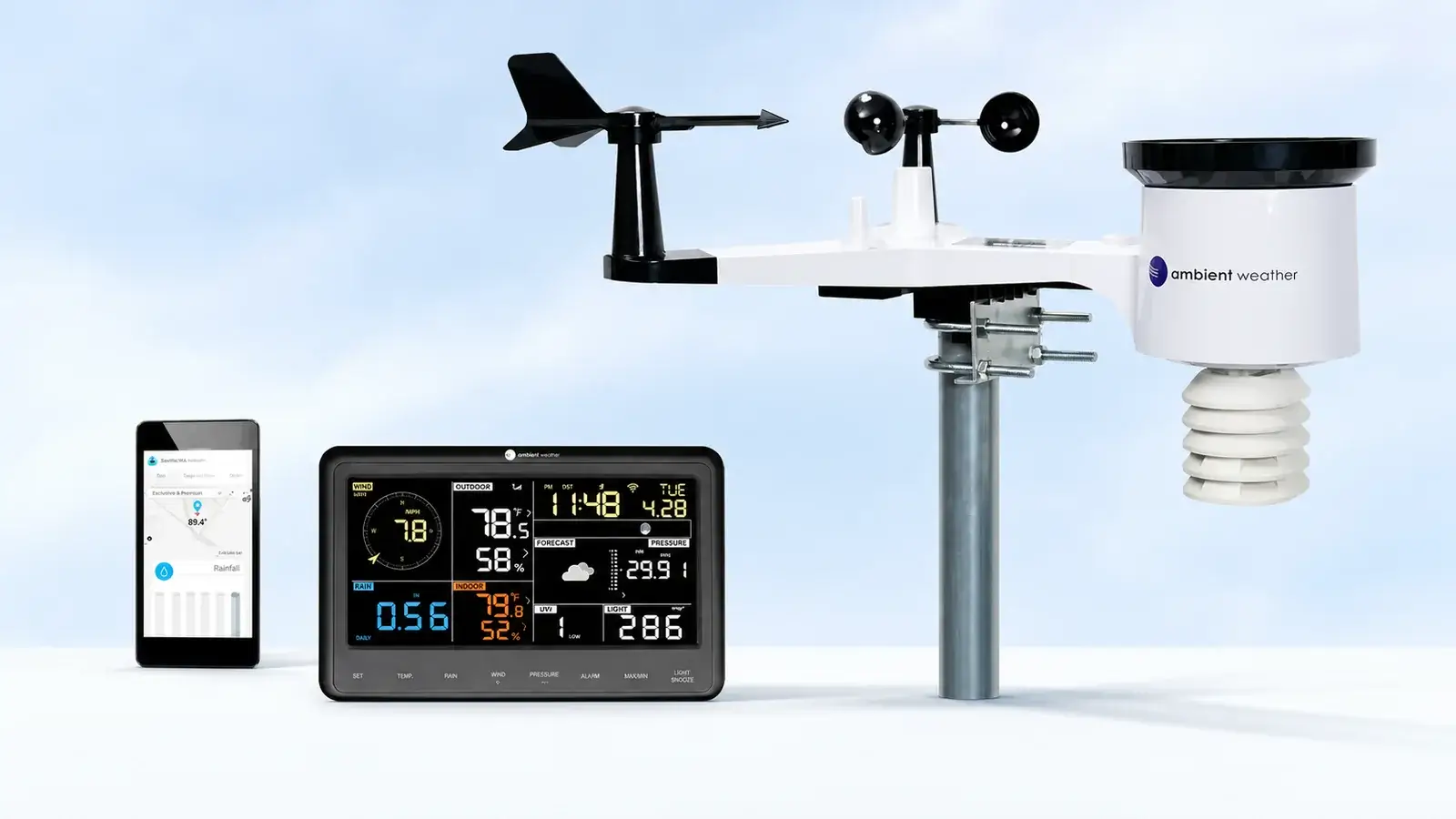
Our weather station installation and siting guide explains the location tradeoffs. Once installed, keep the rain funnel and radiation shield clean and inspect the mast after rough weather. The maintenance checklist applies whichever model you choose.
Which one would we buy?
Better fit for low-cost, expandable monitoring
- You mainly want temperature, wind, and rainfall on your phone.
- You have little space for the indoor console.
- Compatible garden, leak, or lightning accessories matter more than UV.
- You want to keep more of the budget for mounting and installation.
Better fit for more built-in outdoor data
- You specifically want UV and solar-radiation measurements.
- You prefer its wider local display.
- The included measurements matter more than broad accessory support.
- You are comfortable with an integrated array and the LCD’s viewing-angle tradeoff.
Our default recommendation is the WS-1965 for a phone-first buyer who doesn’t need UV or solar readings. Move to the WS-2902 when those extra measurements and its console are worth the current price difference to you. Check both listings before deciding: a sale can narrow the gap, but it doesn’t change the sensor-compatibility differences.
WS-1965 vs WS-2902 FAQs
Is the WS-2902 an upgrade from the WS-1965?
In built-in outdoor measurements, yes: it adds UV and solar radiation. It is not an across-the-board upgrade, because the WS-1965 supports a broader range of optional sensor types. Pick the features you need rather than treating the model numbers as a simple ranking.
Can the WS-1965 measure UV or solar radiation?
Those measurements are not included in its outdoor array. We would choose a station that includes them, such as the WS-2902, rather than buy the WS-1965 assuming that an unspecified accessory will add them later.
Which station reports wind more often?
The current manuals specify a 16-second outdoor reporting interval for both. Buying the WS-2902 is not a way to get a faster headline outdoor update rate than the WS-1965. Internet upload and app refresh timing are separate considerations.
Will extra sensors appear on the indoor display?
It depends on the station and sensor. The WS-1965 manual specifically describes local readings for its WH31 temperature/probe/pool group, but its broader optional-sensor wording is not fully consistent. WS-2902 accessory support also varies by console revision. Verify both compatibility and local-display support for your exact console and accessory rather than assuming that a sensor supported on AWN will appear on the screen.
Should I replace a working WS-2902 with a WS-1965?
Not just to get a newer purchase. You would lose the included UV and solar readings. Consider a change only if a specific compatible accessory or installation need makes the WS-1965 a better fit, and check that the total cost beats keeping your working station.
Sources and how we made this comparison
This is a documentation-based buying comparison, not a claim of hands-on ownership or a laboratory accuracy test. Manufacturer manuals, compatibility information, and the linked Amazon product identities were checked in November 2026. Prices, available bundles, app features, and accessory support can change.
- Ambient Weather WS-1965 product information
- Ambient Weather WS-2902 product information
- WS-1965 manual
- WS-2902D manual
- Current station and accessory compatibility chart
Still narrowing the field? Browse our weather station reviews and comparisons or see our recommended home weather stations.