
Dew Point vs. Humidity on a Weather Station
Relative humidity tells you how close the air is to saturation at its current temperature. Dew point helps you compare moisture as temperatures change. This guide explains what your station measures, what it calculates, and how to investigate readings that do not make sense.
Read air temperature, relative humidity, and dew point together. Relative humidity is a percentage of saturation at the current temperature, so it can rise as air cools even when the amount of water vapor barely changes. Dew point is the temperature at which that air would reach saturation if cooled at roughly constant pressure. At similar pressure, a higher dew point usually indicates more water vapor. On many home stations, dew point is calculated from the selected temperature and RH readings rather than measured by a separate outdoor sensor.
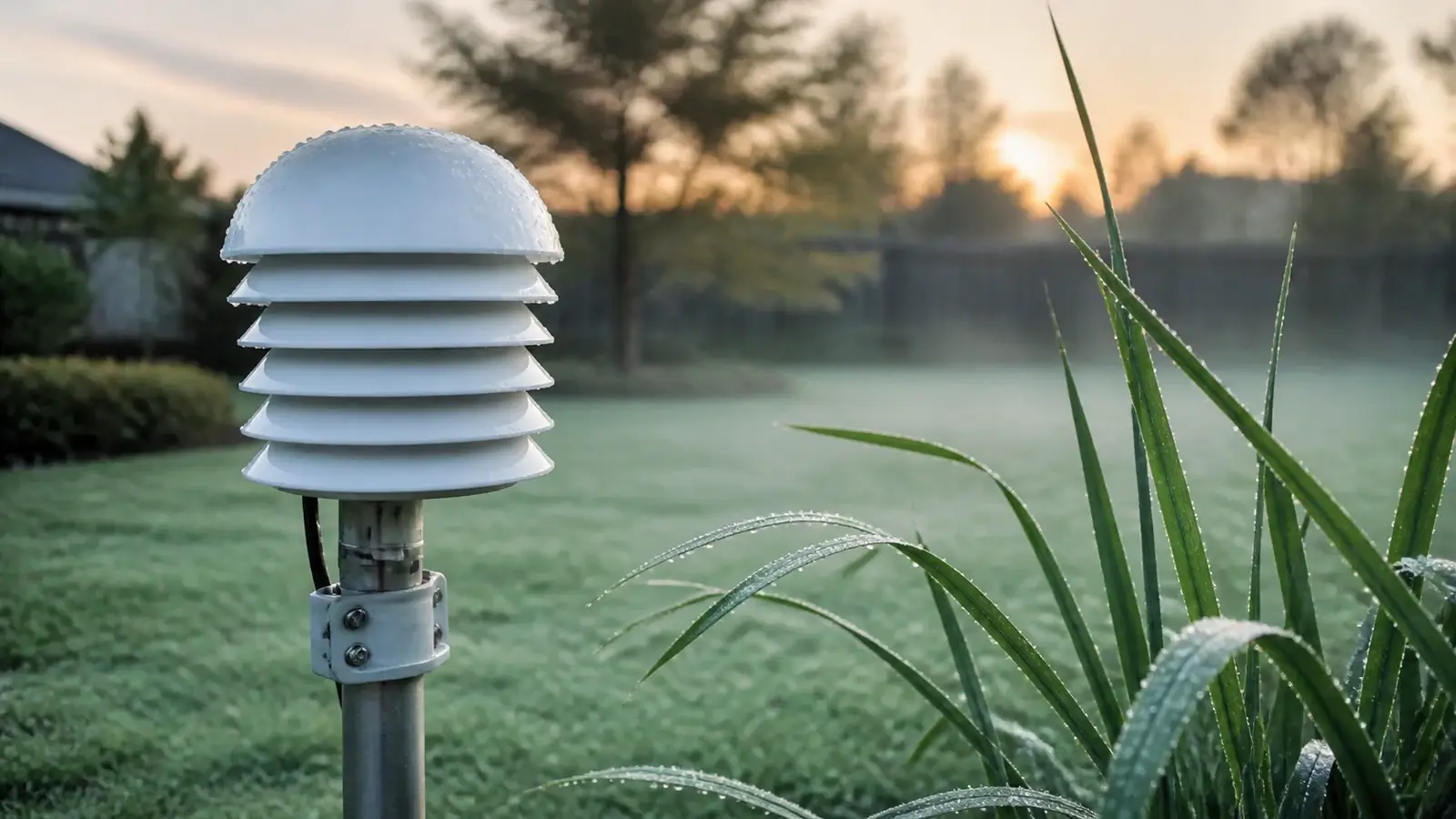
Read the three numbers together
Your station may show temperature, relative humidity, and dew point side by side. Each value answers a different question.
How warm or cold the sensor is. Temperature is one of the measured inputs used to calculate relative-humidity relationships and dew point.
The ratio of actual water-vapor pressure to saturation water-vapor pressure at the current temperature, expressed as a percentage.
The temperature to which the air would need to cool, at roughly constant pressure, to reach saturation with respect to liquid water.
The difference between air temperature and dew point. A smaller spread means the sampled air is closer to saturation.
A dew point is reported in degrees, not percent. A relative humidity reading cannot be interpreted well without the matching air temperature.
| Air temperature | Dew point | Approximate RH | What the pair shows |
|---|---|---|---|
| 80°F | 60°F | 51% | Warm air is well above its dew point. |
| 70°F | 60°F | 69% | The same dew point is closer to the air temperature. |
| 60°F | 60°F | 100% | Temperature and dew point meet at saturation. |
These rounded examples hold dew point nearly constant to show what ordinary cooling can do to RH when moisture and pressure change little. They are an explanation, not a forecast of how one air parcel will evolve.
Why RH can change while dew point stays similar
Relative humidity is strongly temperature-dependent. As air cools toward the dew point, the saturation vapor pressure falls and RH rises. When the same air warms, RH falls. Dew point often moves less during that daily cycle, but it changes when moisture is added or removed, pressure changes appreciably, or a different air mass arrives.
| Situation | Air temperature | Relative humidity | Dew point |
|---|---|---|---|
| Clear evening cooling | Falls | Usually rises | May remain fairly steady |
| Sunny morning warming | Rises | Usually falls | May remain fairly steady |
| Moist air arrives | May rise or fall | Depends on temperature | Usually rises |
| Drier air arrives | May rise or fall | Depends on temperature | Usually falls |
| Rain or irrigation wets the immediate area | Often falls | Often rises | May rise as local moisture increases |
A nearby sprinkler, wet roof, pond, patch of irrigated grass, or sudden wind shift can change the air sampled by one backyard sensor. That local response can be real even when a more distant airport reports a steadier dew point.
How a home weather station gets dew point
An electronic temperature and RH sensor usually supplies the two measured inputs. The weather-station sensors guide separates those measured fields from calculated values such as dew point, heat index, and wind chill.
Measure shielded air temperature
Solar heating, a warm wall, reflected radiation, or weak airflow can bias the temperature input. That error also changes the relationship between temperature and RH.
Measure relative humidity
The humidity element must equilibrate with the sampled air. Condensation, contamination, limited airflow, and response time can temporarily or persistently bias the reading.
Calculate dew point
Firmware, a console, software, or an online service combines temperature and RH. Formula choice, input precision, and rounding can create small differences between displays.
Label, store, and upload the result
The console and app may use different channels, timestamps, or calculation locations. Compare the source and observation time before assuming one value is wrong.
Check the current manual for your exact model. It should tell you which sensor channel feeds dew point, whether the console or service calculates it, how often values update, and which temperature and RH offsets are available.
What each reading is useful for
Dew point is usually easier than RH for comparing a cool morning with a warm afternoon or following a moist or dry air mass.
RH and the temperature–dew-point spread show how close the sampled air is to saturation. Neither value guarantees fog, dew, cloud, or precipitation.
Condensation can begin on a surface at or below the surrounding air’s dew point. Use the dew point for the same indoor air and the actual surface temperature, not outdoor dew point alone.
Dew point provides useful moisture context, but it is not a safety index. Use official forecasts and the National Weather Service heat tools for heat-risk decisions.
Comfort is personal and climate-dependent. Dew-point ranges can help describe muggy weather, but they should not replace heat index, Wet Bulb Globe Temperature where applicable, official alerts, or individual health guidance.
Troubleshoot a dew-point or humidity reading
Start with the measured temperature and RH inputs. A derived dew-point problem usually begins with the selected channel, observation time, sensor exposure, wetting, response lag, or one of those two inputs.
Confirm the field, channel, time, and unit
Match indoor with indoor or outdoor with outdoor. Compare the same timestamp and confirm that the displayed temperature unit applies to dew point too.
Check temperature exposure first
A sun-heated sensor can distort both inputs. Use the high-temperature reading guide and the installation and siting guide before applying an offset.
Let a wet or changing sensor recover
Condensation or rain near the humidity element can cause a high reading until the sensor dries and equilibrates. Follow the manual’s cleaning and drying instructions. Do not touch, heat, or blow directly on an exposed element.
Compare the measured inputs fairly
Place a trustworthy reference beside the station sensor in the same shaded, ventilated environment and allow both to stabilize. A phone app or distant airport is not a calibration reference. Use the weather-station accuracy workflow for a disciplined comparison.
Adjust only a supported measured input
Many stations offer temperature or RH offsets but no dew-point offset because dew point is derived. Use the exact manual and a suitable reference. Recheck more than one humidity level so a one-point correction does not hide a larger problem.
| What you see | Likely interpretation or next check |
|---|---|
| RH rises overnight while dew point stays similar | Often normal cooling toward a nearly steady dew point. |
| Console and app differ slightly | Check timestamps, source channels, formula location, and rounding. The station-versus-app guide explains the broader comparison. |
| RH remains fixed at an endpoint | Some models clamp the displayed range or use an endpoint as an error clue. Check the exact manual, nearby conditions, and sensor status. |
| Dew point jumps after irrigation or rain | Local moisture may be real, or the humidity sensor may be wet. Inspect placement and allow recovery before calibrating. |
| Dew point displays above air temperature | Check mismatched timestamps, channels, rounding, RH limits, and sensor or calculation errors. |
Small formula or rounding differences can be legitimate. A persistent difference should be investigated through the raw temperature and RH values rather than corrected at the dew-point field.
Frequently asked questions
Which is better, dew point or relative humidity?
Neither replaces the other. Dew point is usually easier for comparing atmospheric moisture as temperature changes. Relative humidity is useful for showing how close the current air is to saturation.
Why can RH be 100% when it does not feel muggy?
Cool air can reach saturation at a low dew point. A cold morning at 100% RH can contain less water vapor than a warm afternoon with a lower RH.
Does 100% humidity mean it will rain?
No. It means the sampled air is saturated at its current temperature. Rain requires cloud particles to develop and grow large enough to fall, so surface RH alone is not a rain forecast.
Does a weather station measure dew point directly?
Many home stations calculate it from measured temperature and RH. Specialized instruments can measure dew point more directly, so check the documentation for the exact product and displayed channel.
Can dew point be higher than air temperature?
A normal internally consistent near-surface observation should not show a meaningful dew point above the matching air temperature. A small apparent reversal can come from rounding. A larger or persistent reversal points to mismatched times, channels, inputs, or calculations.
Should I calibrate the dew point on my station?
Usually no separate adjustment is needed. Verify and, when justified, adjust the measured temperature or RH input using the model’s documented process. The station should then recalculate dew point.
Can outdoor dew point predict indoor condensation?
Not by itself. Use the dew point of the indoor air and compare it with the indoor surface temperature. Ventilation, heating, cooling, humidifiers, and dehumidifiers can make indoor moisture different from outdoor conditions.
Sources and further reading
These government and measurement references were checked on September 2, 2026. They support the definitions, station-siting guidance, saturation limits, and sensor-diagnostic advice in this guide.
National Weather Service glossary: relative humidity — official definition and temperature dependence
National Weather Service: dew point vs. humidity — dew-point definition, moisture interpretation, and warm-versus-cold examples
National Weather Service: discussion on humidity — why saturation at the surface does not guarantee precipitation
National Weather Service and CWOP: personal weather-station siting — representative ground, radiation shielding, ventilation, height, and heat-source guidance
Vaisala: choosing an instrument for humidity measurement — vapor-pressure relationships, temperature effects, airflow, condensation, response, contamination, and calibration
Display fields, sensor limits, formulas, calibration controls, and update timing vary. Use the current manual for your exact console, sensor, hardware revision, app, and firmware before changing an offset or replacing a sensor.