
▤ Weather Station Guide
Weather Station Batteries: Lithium vs. Alkaline
Choose manual-approved batteries for your outdoor sensor. Compare cold-weather performance, check rechargeable compatibility, and keep your backyard observations coming through winter.
Start with the exact outdoor-sensor manual
Use the battery type in your exact outdoor-sensor manual. If it allows both disposable 1.5-volt alkaline and primary lithium AA cells, consider lithium for very cold conditions or difficult service access. Alkaline can suit mild weather and easy access. Check rechargeable and solar-storage requirements separately.
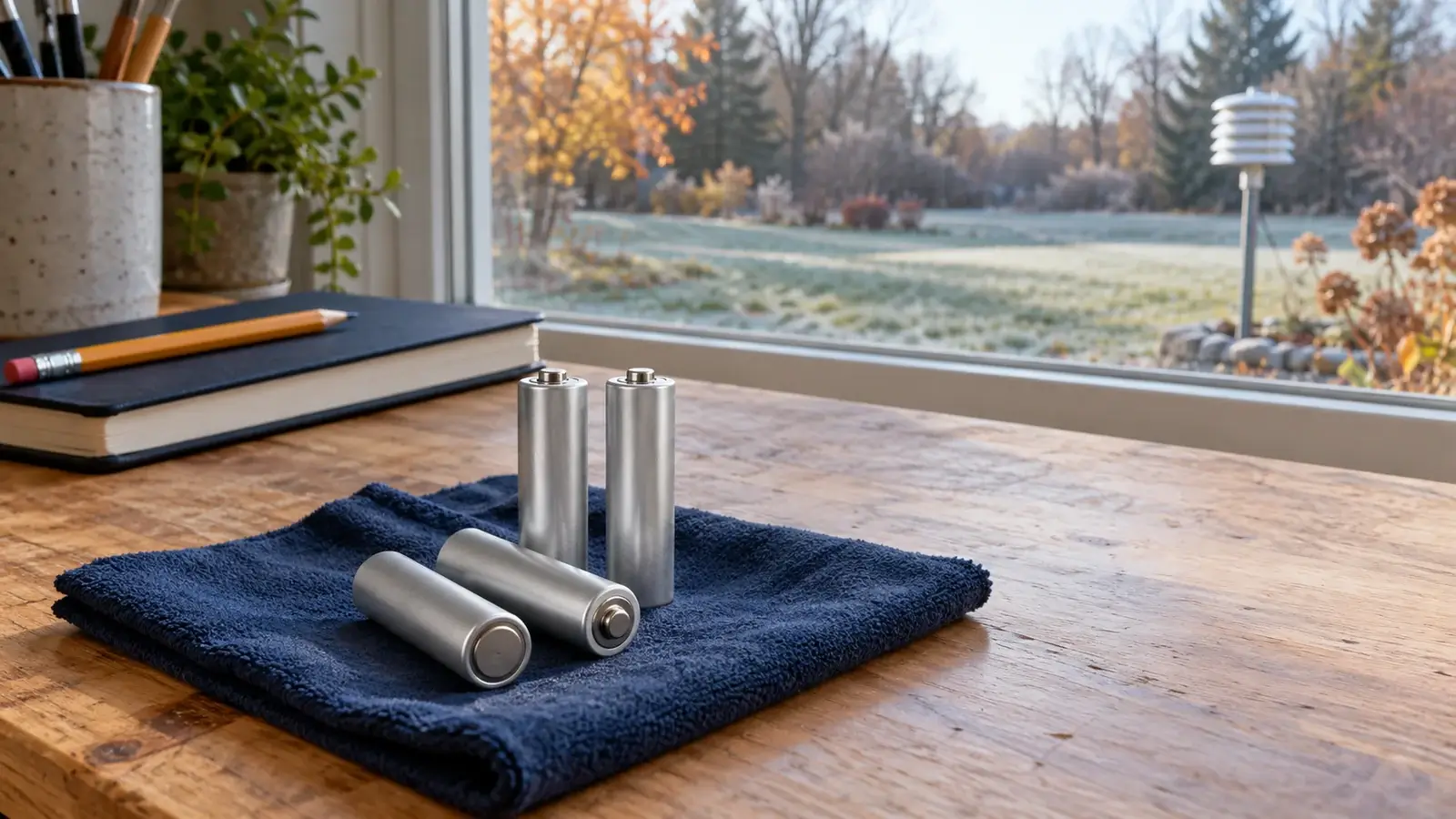
Choose for your climate and service access
For a home weather station, the useful question is which approved battery will keep the outdoor observations arriving until you can safely service the sensor. Think about your coldest overnight conditions, how easily you can reach the compartment, and whether that battery supplies everyday power or backup power.
Cold winters or a remote mast
Consider primary lithium
If the manual allows it, disposable lithium AA cells offer useful cold-weather performance. Keep access safe even when you expect fewer replacements.
Mild weather and easy access
Alkaline can make sense
Fresh, approved alkaline cells can be an economical choice for a sheltered garden sensor or other accessible installation.
A dedicated cell or solar pack
Match that power system
A CR123 battery or an internal rechargeable pack needs its own replacement and service instructions. An AA comparison does not apply.
Check the outdoor sensor’s model label as well as the console name. A combined array, an extra soil sensor, and an indoor display in the same system can have different battery requirements. Keep the existing sensor location and exposure consistent while diagnosing a power problem.
What that means for familiar home stations
These manufacturer examples show why one battery recommendation cannot cover every station. Match the listed sensor and hardware revision before using the advice.
| Outdoor equipment | Documented power choice and owner takeaway |
|---|---|
| Ambient Weather WS-2000 outdoor array | The WS-2000 manual, version 2.20, specifies two AA batteries in the array. It recommends lithium for cold climates, says alkaline is sufficient for most climates, and does not recommend rechargeables. Check add-on sensors separately. |
| AcuRite Iris sensor supplied with model 01536 | The 01536 manual, page 7, specifies four AA alkaline or lithium batteries and calls for lithium below −4°F (−20°C). It does not recommend heavy-duty or rechargeable cells. |
| Davis Vantage Vue outdoor sensor suite | The Vantage Vue sensor-suite manual specifies a 3-volt CR123 lithium backup battery. Buy the specified cell rather than an AA battery. The indoor console has a separate power arrangement. |
| WeatherFlow Tempest sensor | Tempest documents solar charging and an internal rechargeable lithium-titanate (LTO) battery. Treat a low-power condition through its solar-power and support guidance rather than shopping for replacement AA cells. |
The manual for your exact equipment takes priority over this comparison. These are outdoor-sensor examples, not console battery specifications.
Read the chemistry and voltage on the label
Disposable primary lithium AA batteries use lithium iron disulfide chemistry, often written as Li/FeS2. They have a nominal voltage of 1.5 volts, like an alkaline AA. “Primary” means the cell is not rechargeable. Wrapper color and physical fit are unreliable ways to identify a replacement.
Similar shapes can hide different electrical requirements
Read the battery label and the sensor manual together.
Alkaline AA1.5 VDisposable. Use when your sensor manual permits alkaline.
Primary lithium AA1.5 VDisposable Li/FeS2. A cold-weather option when approved.
NiMH rechargeable AA1.2 VLower nominal voltage. Requires explicit device support.
Higher-voltage 145003.6/3.7 VHigher-voltage type. Never substitute for a specified 1.5 V AA.
A nickel-metal hydride (NiMH) AA is typically rated at 1.2 volts. A 14500 lithium-ion cell can instead be rated at 3.7 volts. Never insert a higher-voltage cell in a compartment specified for 1.5-volt AAs. A rechargeable product advertised as 1.5 volts is a separate design, not automatic permission to use it.
Check whether the station charges the installed battery. Never put a non-rechargeable alkaline or primary lithium cell into a circuit intended to recharge it. Use the exact approved cell or pack, including the required chemistry, voltage, size, and polarity.
Lithium vs. alkaline for the job outside
If both chemistries are permitted, weigh winter reliability against purchase cost. The comparison below concerns disposable 1.5-volt AA cells. It does not describe rechargeable lithium-ion products or a station’s internal solar-storage battery.
| Owner decision | Primary lithium AA | Alkaline AA |
|---|---|---|
| Very cold nights | Often the stronger approved option. Check the battery’s temperature rating and the station’s limits. | Available performance declines in cold conditions. Follow the sensor maker’s cold-weather guidance. |
| Upfront cost | Usually higher. Most useful when cold performance or avoiding an awkward service trip matters. | Usually lower. Sensible for suitable climates and accessible, approved equipment. |
| Replacement timing | The discharge curve differs from alkaline. Do not assume the station’s battery indicator is a precise countdown. | Life still depends on temperature, cell condition, and the sensor’s power demand. |
| Leaks and corrosion | Still inspect the compartment and follow the cell maker’s handling instructions. | Remove exhausted cells promptly and check for residue, moisture, and damaged contacts. |
| Calibration and range | Fresh approved cells can restore reliable power. They do not raise the station’s specified radio range or improve its calibration. | Use the same siting, radio-reception, and calibration checks when a problem persists. |
For a specific example, Energizer rates its L91 lithium AA from −40°F to 140°F (−40°C to 60°C), while its E91 alkaline AA is rated from 0°F to 130°F (−18°C to 55°C). Those are cell-specific operating ratings, not a promise of station runtime or permission to exceed the sensor’s own limits.
When outdoor readings disappear on cold nights
An outdoor sensor that stops overnight and returns after sunrise deserves a power check. Cold can reduce the voltage available under load. Solar-assisted equipment may also rely more heavily on stored energy or backup cells after dark. A daytime recovery is a clue, not proof that batteries are the only cause.
If your setup provides local readings, compare the observation timestamp for the same outdoor sensor at the console or receiver and in the online dashboard. A screen that looks unchanged may be showing an old observation. A stale app alone does not establish that the outdoor sensor has stopped transmitting. For a system without a local display, use its manufacturer’s documented device-status and connection checks.
Find where the observations stop
Compare the same sensor and observation time before replacing anything.
Outdoor data are stale locally
Check the sensor-to-receiver path
Review approved batteries, contacts, water entry, pairing, and radio reception. Compare the pattern with overnight temperature and solar exposure.
Local data are fresh, app is stale
Check the upload path
Review the uploading console or gateway, router power, internet connection, and destination service before blaming the outdoor batteries.
If the local outdoor reading is missing, work through console not receiving the outdoor sensor. If the receiver is current but Weather Underground is stale, use the Weather Underground upload checks. Preserve calibration and network settings while narrowing the fault.
Keep rechargeable cells and solar storage separate
Use rechargeable AAs only when the exact sensor documentation permits that chemistry and voltage. A NiMH cell’s lower nominal voltage may trigger a low-battery indication or fail to suit the equipment. Regulated lithium-ion AAs have their own electronics and operating limits. Neither category should be treated as a universal upgrade.
A visible solar panel also does not tell you which battery to buy. Depending on the system, solar energy may power the electronics, support a capacitor or dedicated rechargeable pack, or run a ventilation fan. Replaceable primary batteries can have a separate job. Follow the manufacturer’s power description rather than assuming sunlight charges ordinary AA cells.
For the wider distinction between outdoor power, indoor backup, and keeping uploads running during a household outage, see solar-powered and battery-operated weather stations. The battery choice here concerns the specific sensor you are servicing.
A replacement routine that protects your observations
Plan service for dry, calm conditions while the sensor is safe to reach. Bring the complete approved set and check the model’s startup sequence before interrupting power.
Record the station’s state
Note the last current observation, battery warning, sensor identity, and relevant totals or settings. Export history or settings if the equipment supports it. Avoid resetting the console merely to replace outdoor cells.Reach the compartment safely
Lower a serviceable mast or follow the approved access method. Postpone service when ice, wind, rain, or height makes it unsafe. Use a dry, sheltered work area and avoid leaving the enclosure open to moisture.Inspect the cells, contacts, and seal
Look for leakage, swelling, corrosion, water entry, or a damaged gasket. Follow the manufacturer’s handling and cleaning instructions. Do not scrape, spray chemicals, or attempt repairs without suitable guidance.Install one matched fresh set
Match the approved size, chemistry, nominal voltage, and polarity. Replace the full set together. Do not combine brands, chemistries, old and new cells, or different charge states.Close the cover and follow startup instructions
Seat the gasket and cover correctly, keeping the mating surfaces clean and dry. Tighten as directed without overtightening plastic. Restore pairing only when your model requires it.Verify fresh observations in both places
Confirm several new outdoor observations at the receiver and the intended online destination. Recheck after the next cold night. Restored live uploads do not guarantee that an earlier history gap will be backfilled.
A useful entry in your station log
Record the service date, sensor model, battery brand and type, number of cells, overnight minimum, and whether both local and online timestamps advanced. Compare like-for-like conditions before judging battery life.
Keep spare cells in their original packaging in a dry place under the battery maker’s storage guidance. Protect loose terminals from short circuits, never recharge disposable cells, and use the appropriate local recycling or disposal route. Add battery checks to your seasonal weather-station maintenance routine.
Questions weather-station owners ask
Are lithium batteries always better for an outdoor weather station?
Primary lithium AA cells can be a useful choice in cold conditions when the exact sensor allows them. The correct battery may instead be alkaline, a CR123 cell, or a dedicated rechargeable pack. The model’s requirements come first.
Will lithium batteries make the temperature reading more accurate?
Changing to an approved battery can restore reliable power and transmission. It does not correct a siting error or recalibrate the sensor. Investigate unusual values separately from missing or stale observations.
How long should weather-station batteries last?
There is no reliable universal interval. Use the model’s guidance, battery warnings, and your own service record. Temperature, sensor demand, solar contribution, cell condition, and faults can all change the interval.
Can I use rechargeable lithium AA batteries marked 1.5 volts?
Only when the sensor maker explicitly supports that rechargeable product type. A regulated 1.5-volt output does not establish suitability for the device’s battery monitoring, temperature limits, or charging arrangement.
Does my solar weather station recharge its AA batteries?
Check its power description. Solar assistance can serve a different component or energy store, while ordinary AA cells supply separate power. Never install disposable batteries in a circuit designed to charge its battery.
Sources and further reading
Manufacturer documentation was checked on October 16, 2026. The links beside the guidance identify the applicable cell, sensor, and manual. These references provide the detailed electrical and model-specific limits.
- Energizer L91 lithium AA datasheet and E91 alkaline AA datasheet cover the two disposable cells used as examples.
- Ambient Weather WS-2000 manual, section 5.4.6, and AcuRite 01536 manual, page 7, specify outdoor-array battery choices.
- Vantage Vue sensor-suite manual identifies its CR123 backup cell, and Tempest solar and rechargeable-battery guidance describes its internal power system.