
Weather-Station Transmission Range and Interference
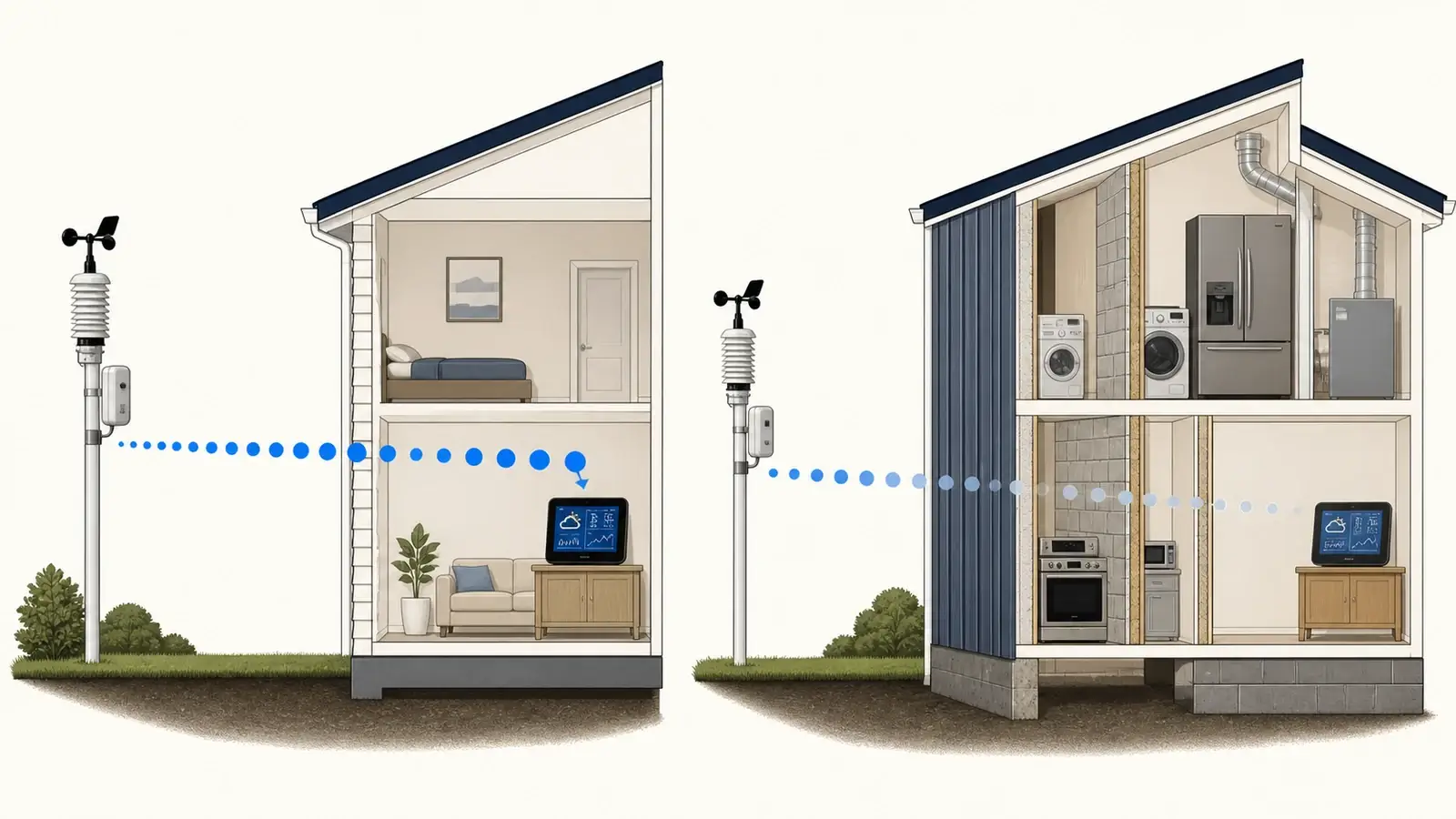
A sensor’s advertised range is usually an open-air best case. The installed link must cross a real building, and a short difficult path can fail where a longer clear path works.
Treat the stated sensor range as a favorable line-of-sight limit, not a promise through walls. Practical range depends on the exact radio system, battery condition, antenna orientation, receiver position, building materials, terrain, and local interference. Prove the sensor works in a close bench test, then restore distance and barriers one change at a time.
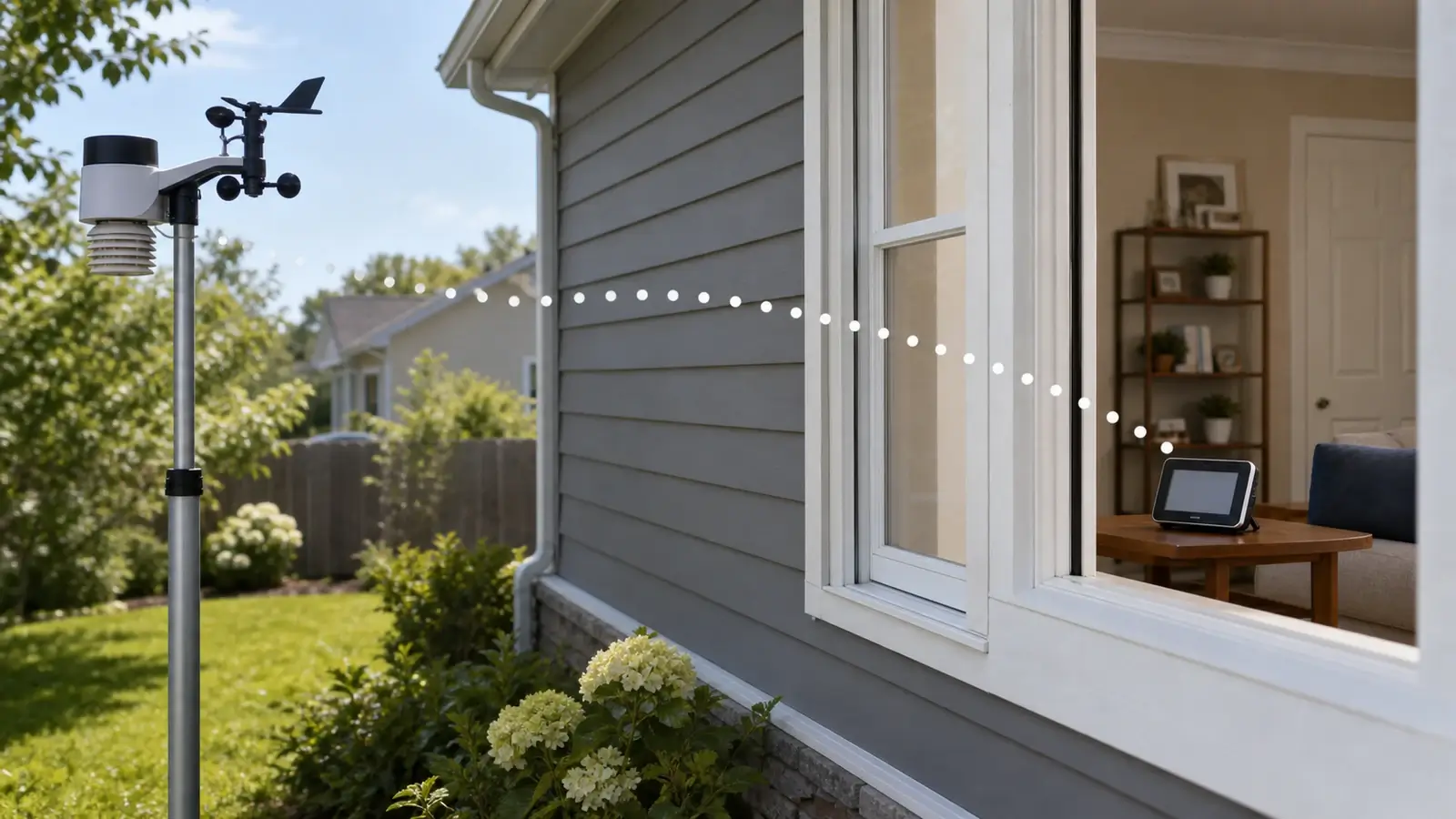
Three different ranges matter
The manufacturer’s favorable distance with compatible hardware, clear line of sight, and acceptable conditions. It helps compare models but is not an indoor guarantee.
The distance and path that still deliver the required update rate through your property in heat, cold, rain, foliage, and normal household operation.
A marginal location that works sometimes, misses updates, or fails when batteries weaken or conditions change. Do not treat occasional packets as a reliable link.
Wi-Fi from a console or gateway to the router is a separate path from the outdoor sensor radio. Diagnose the two independently.
What weakens a weather-sensor signal
| Factor | Why it matters | What to try |
|---|---|---|
| Metal and foil | Siding, roofs, screens, foil insulation, ductwork, and appliances can reflect or block radio energy. | Move the receiver to a path with less metal. |
| Concrete and masonry | Thickness, reinforcement, moisture, and radio frequency affect signal loss through these materials. | Avoid basement corners and multiple diagonal walls. |
| Coated glass | Conductive metallic window coatings can attenuate radio energy even when the window looks clear. | Compare that path with an open doorway or an uncoated window. |
| Receiver placement | A console low behind a television, computer, or cabinet has a poor local environment. | Raise, rotate, and separate it from large electronics. |
| Battery and cold | Weak batteries or unsuitable chemistry can reduce reception reliability, especially in cold weather. | Use fresh cells of the type allowed by the manual. |
| Nearby electronics | Other transmitters, monitors, televisions, and power supplies can disrupt reception or create a poor receiver environment. | Separate devices and test with likely sources temporarily off. |
| Vegetation and moisture | Trees, wet wood, and seasonal growth can alter signal loss along an outdoor path. | Retest after seasonal or landscaping changes. |
Build a range test that tells you something
Confirm compatibility and power
Match model, radio region, sensor channel, and battery type. Range testing incompatible or unpowered hardware wastes time.
Pair at close range
Use the manual’s recommended separation and acquisition sequence. Confirm several fresh updates, not only one packet. If pairing still fails at close range, follow the sensor-to-console troubleshooting sequence before testing distance.
Move one endpoint gradually
Restore distance while keeping a clear path. Record signal indicators, missing updates, and the time required to reconnect.
Add the building path
Move the console to candidate locations one at a time. Test doors, walls, windows, floors, and normal furniture.
Restore household conditions
Turn normal electronics and appliances back on. Test during the times when failures have historically occurred.
Leave margin
Select a location that stays reliable with weaker batteries and seasonal changes, not the farthest point that receives an occasional update.
Improve reception without buying hardware first
- Raise or rotate the console or gateway and move it away from televisions, computers, routers, chargers, and large metal objects.
- Choose a path with fewer dense or metal-rich barriers, even if the straight-line distance becomes slightly longer.
- Use the specified external power for consoles whose receiving or Wi-Fi functions are reduced on backup batteries.
- Replace weak outdoor cells and clean contacts according to the manual.
- Keep the outdoor transmitter’s antenna area clear. Do not add a metal enclosure or unapproved shielding.
- Check for firmware notes and model-specific retransmit features before adding accessories.
A console next to a Wi-Fi router is not always ideal. The systems may use different frequency bands, but physical separation can improve the receiver’s local electrical environment. Ambient Weather’s WS-2902D is one concrete example because its sensor array uses 915 MHz while the console’s Wi-Fi uses 2.4 GHz.
When a repeater or gateway helps
A compatible repeater can bridge a known marginal sensor path. An additional gateway can provide a better receiver location or a separate local data path. Neither option is universal. It must support the exact sensor family, radio region, channel, retransmission rules, and intended receiver.
Compatibility lists show how narrow the choice can be. The AcuRite 06053M signal-extender guide explains AcuRite’s exclusions for Access and Atlas. Davis lists its 7627 repeater for Vantage Pro2, Vantage Vue, and Weather Envoy.
If the close bench test fails, a repeater is unlikely to fix the underlying power, pairing, or hardware problem. If the bench test succeeds and one part of the installed path consistently causes failure, relocating the receiver is usually the cleanest first solution.
Frequently asked questions
How far can an outdoor weather sensor transmit?
There is no universal number. Ambient Weather lists 330 feet in open air and 100 feet under most conditions for the WS-2902, while Davis advertises up to 1,000 feet line of sight for Vantage Vue. Use the exact model’s specification as an upper comparison point, then test the installed path.
Can Wi-Fi interfere with a weather station sensor?
It depends on the radio systems and nearby electronics. Many outdoor sensor links use a different band and protocol from Wi-Fi. Separate the console from routers, televisions, monitors, and power supplies during testing.
Why does the sensor work close to the console but not outside?
That result strongly points to the installed radio path, including distance, barriers, receiver placement, interference, or marginal battery performance, rather than basic pairing compatibility.
Can I use any weather-station repeater?
The answer is no. Repeaters are product-family and radio-region specific. Verify the exact sensor and receiver compatibility information before buying.
Sources and further reading
These primary and manufacturer references were checked on August 27, 2026. They support the material effects, model-specific range examples, radio-path distinctions, battery guidance, and repeater limits in this guide.
NIST: Electromagnetic Signal Attenuation in Construction Materials — measured effects of material, thickness, moisture, and frequency across common construction materials
NIST: Optical Performance of Commercial Windows — metallic window coatings and radio-frequency attenuation
Ambient Weather WS-2902 product and specifications — open-air and typical range, 915 MHz sensor radio, 2.4 GHz Wi-Fi, and metal-barrier guidance
AcuRite Iris instruction manual — 330-foot placement limit, metal and thick-wall cautions, and separation from electronics
AcuRite 06053M wireless signal extender — exact compatibility exclusions, range, supported sensor families, and multi-extender limits
Davis Instruments: Vantage Vue — product-specific 1,000-foot line-of-sight transmission claim
Davis Instruments: Wireless Repeater 7627 — compatible product families plus line-of-sight and through-wall ranges
Ecowitt: Basic definitions and device connection — sensor, receiver, console, gateway, RF, and Wi-Fi roles
Model controls and reset sequences vary. Use the current manual for your exact console, sensor, hardware revision, and radio region before changing power, pairing, or network settings. The related station guides above can help you check installation, power, sensor hardware, and repeater compatibility.