
Rain Rate vs. Rain Event, Daily Rain, and Total Rainfall
Weather-station rain screens mix an intensity with several accumulations. The numbers answer different questions and may use different reset times, so a zero rain rate can appear beside a correct daily total.
Rain rate is an estimate of current intensity, commonly expressed as inches or millimeters per hour. It is not the amount that has already fallen. Event, daily, weekly, monthly, yearly, and total rain are accumulations over different windows. Their exact start, stop, and reset rules are product-specific, so check the clock, time zone, rollover hour, and manual before treating a reset as lost rainfall.
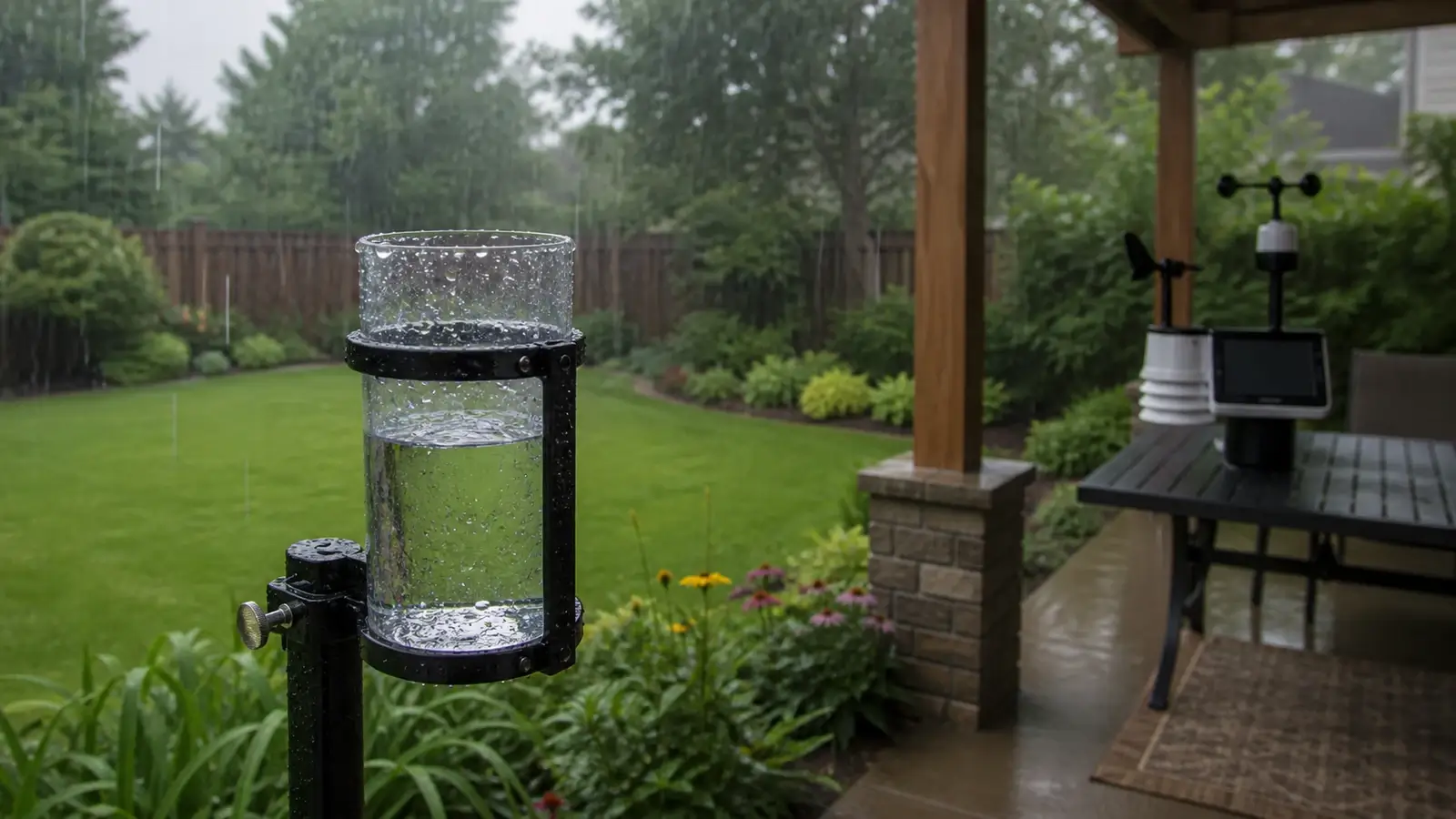
What the common rain fields mean
| Field | Question it answers | Typical behavior |
|---|---|---|
| Rain rate | How hard is it raining now? | Calculated from recent tips or impacts and displayed as a per-hour intensity. Falls to zero after no recent rain. |
| Hourly rain | How much accumulated during an hour? | May mean clock hour or a rolling 60-minute window, depending on the system. |
| Rain event | How much accumulated during one defined episode? | Begins with detected rain and ends after a model-specific dry gap or manual reset. |
| Daily rain | How much accumulated during the station’s day? | Resets at a configured or fixed rollover time, which may not be local midnight. |
| Weekly/monthly/yearly | How much accumulated in a calendar or configured period? | Depends on station clock, time zone, locale, and firmware rules. |
| Total/lifetime rain | How much accumulated since installation or last manual clear? | Usually changes only when tips are added or the stored total is reset. |
Manufacturers do not use every label the same way. Treat the manual’s definition as authoritative for your display and app.
Why rain rate can look strange
A tipping-bucket rain gauge records discrete tips. The station estimates rate from the time between recent tips or from the number of tips in a moving window. One quick tip after a long dry interval can briefly produce a nonzero rate. Light continuous rain may appear in steps because the bucket needs enough water to tip. A haptic gauge estimates rate from drop impacts and uses a different algorithm.
A displayed rate of 2 inches per hour does not mean 2 inches have fallen. It means the recent intensity, if sustained for a full hour, corresponds to that hourly amount. If that burst lasts five minutes, the accumulation is far smaller. Rate is therefore useful for intensity and storm response, while totals describe water actually counted during the period.
Why totals reset at unexpected times
Check station time and time zone
A wrong clock shifts daily, monthly, and yearly boundaries even while the sensor counts tips correctly.
Find the rainfall rollover hour
Some systems use midnight local time. Networks or climatological settings may use a different observation day.
Identify calendar versus rolling fields
“Past hour” and “this hour” are different. The same distinction can apply to 24-hour and daily totals.
Read the event-ending rule
A short dry gap may split one meteorological storm into two station events, or showers may remain one event if the dry timeout has not elapsed.
Check local versus cloud storage
The console, app, and third-party network can use separate reset rules and may miss data during an upload outage.
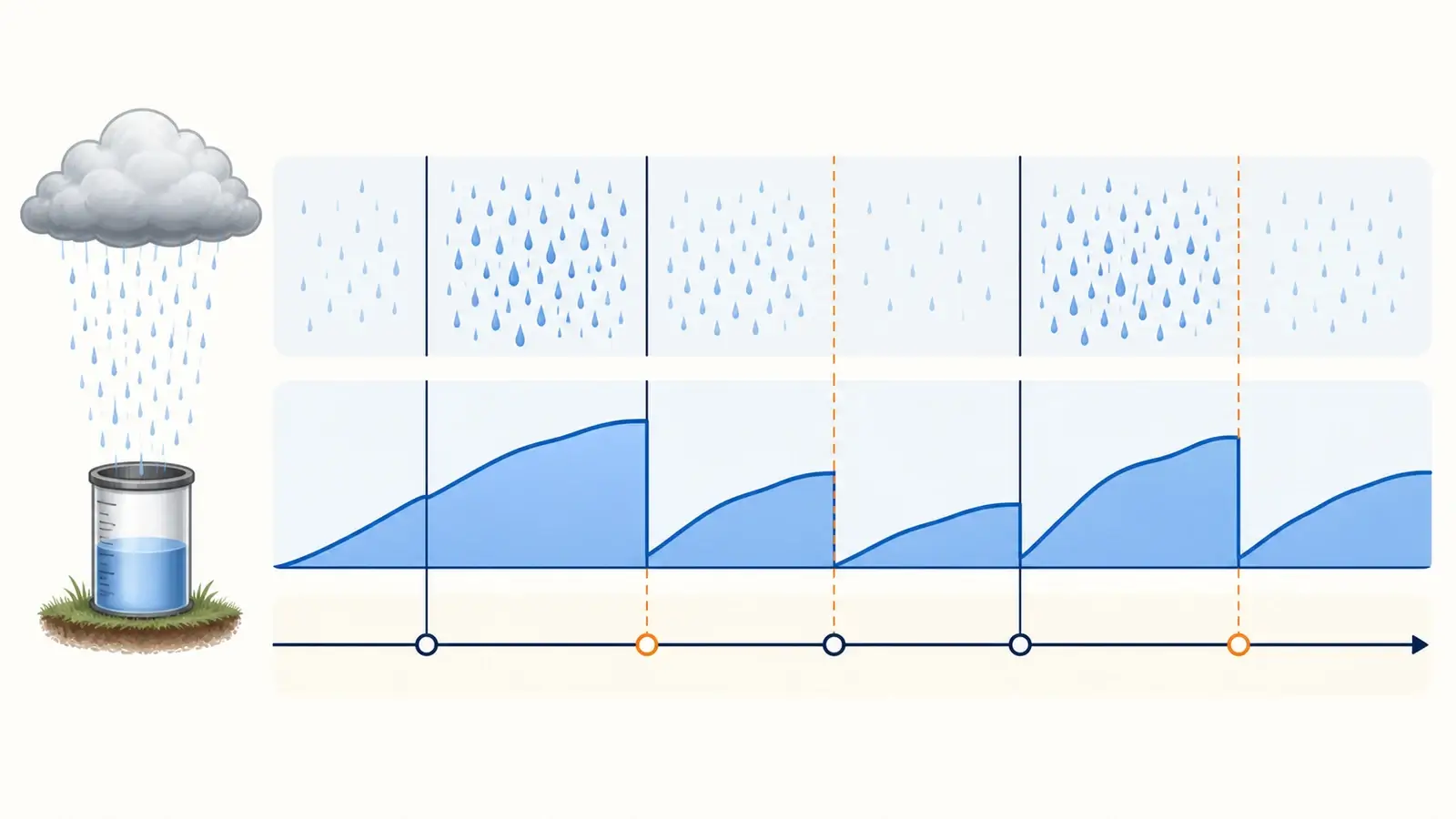
How the fields can all be correct at once
Rain rate: 0.00 in/hr. Event rain: 0.38 in. Daily rain: 0.38 in. The zero means no recent tips, not no rain today.
Rain rate remains positive. Daily rain resets. Event rain may continue if its dry-time rule has not ended the event.
The console total may be complete while a cloud graph has a gap. Some hardware backfills, some uploads only live observations.
Visible drizzle may not yet fill a tipping bucket. The rate and total can remain zero until the first measurable increment occurs.
When a field difference signals a problem
- Daily and lifetime totals never increase during a meaningful rain: inspect the collector and sensor link.
- Console totals increase but the network does not: troubleshoot the upload path and destination settings.
- Totals jump while dry: look for vibration, maintenance movement, delayed drainage, or a false pulse.
- Daily totals reset at the wrong local time: correct the console clock, time zone, daylight-saving setting, or rollover rule.
- Event totals split unexpectedly: check the product’s dry-gap definition rather than merging records blindly.
- Consistent low accumulation across storms: check level, blockage, wind exposure, and controlled calibration.
Keep the raw interval data when the system allows it. A time series of tips or short-interval accumulation makes it much easier to reconstruct events and distinguish measurement loss from a display-label misunderstanding.
Frequently asked questions
Why is rain rate zero when the daily rain total is not?
Rain rate describes recent intensity and normally returns to zero after no recent tips. Daily rain is the accumulated amount since the daily reset.
Is rain rate the amount of rain in one hour?
It is usually an intensity expressed per hour, projected from a shorter recent window. A rate of 1 inch per hour sustained for ten minutes would not produce a one-inch total.
When does a rain event end?
The dry-gap or event rule varies by product and platform. Consult the manual, a meteorological storm and a station-defined event are not always identical.
Why do the console and Weather Underground show different rainfall?
They can use different reset windows, timestamps, field mappings, quality control, or incomplete uploads. Compare raw increments and definitions before editing totals.
Sources and further reading
These primary and manufacturer references support the definitions, diagnostic steps, and limitations in this guide.
Ambient Weather rain-total definitions — manufacturer example of rain rate and accumulation fields
Met Office: how rainfall is measured — tipping-bucket rate and accumulation context
Oklahoma Mesonet instruments — tip increments, observation windows, and daily rollover example
Model controls and reset sequences vary. Use the current manual for your exact console, sensor, hardware revision, and radio region before changing calibration, power, pairing, or network settings.