
Why Is My Weather Station Temperature Reading Too High?
An outdoor sensor that runs hot is often measuring its immediate exposure correctly—even when that exposure does not represent the surrounding air. Use the pattern of the error to separate solar heating, nearby surfaces, airflow, settings, and sensor bias.
A high daytime reading usually begins with sunlight reaching the sensor or shield, heat radiating from a wall, roof, deck, pavement, or HVAC equipment, or weak airflow through the shield. A nearly constant high bias day and night is more consistent with configuration or sensor offset. Compare synchronized readings during overcast or nighttime conditions before moving or calibrating anything.
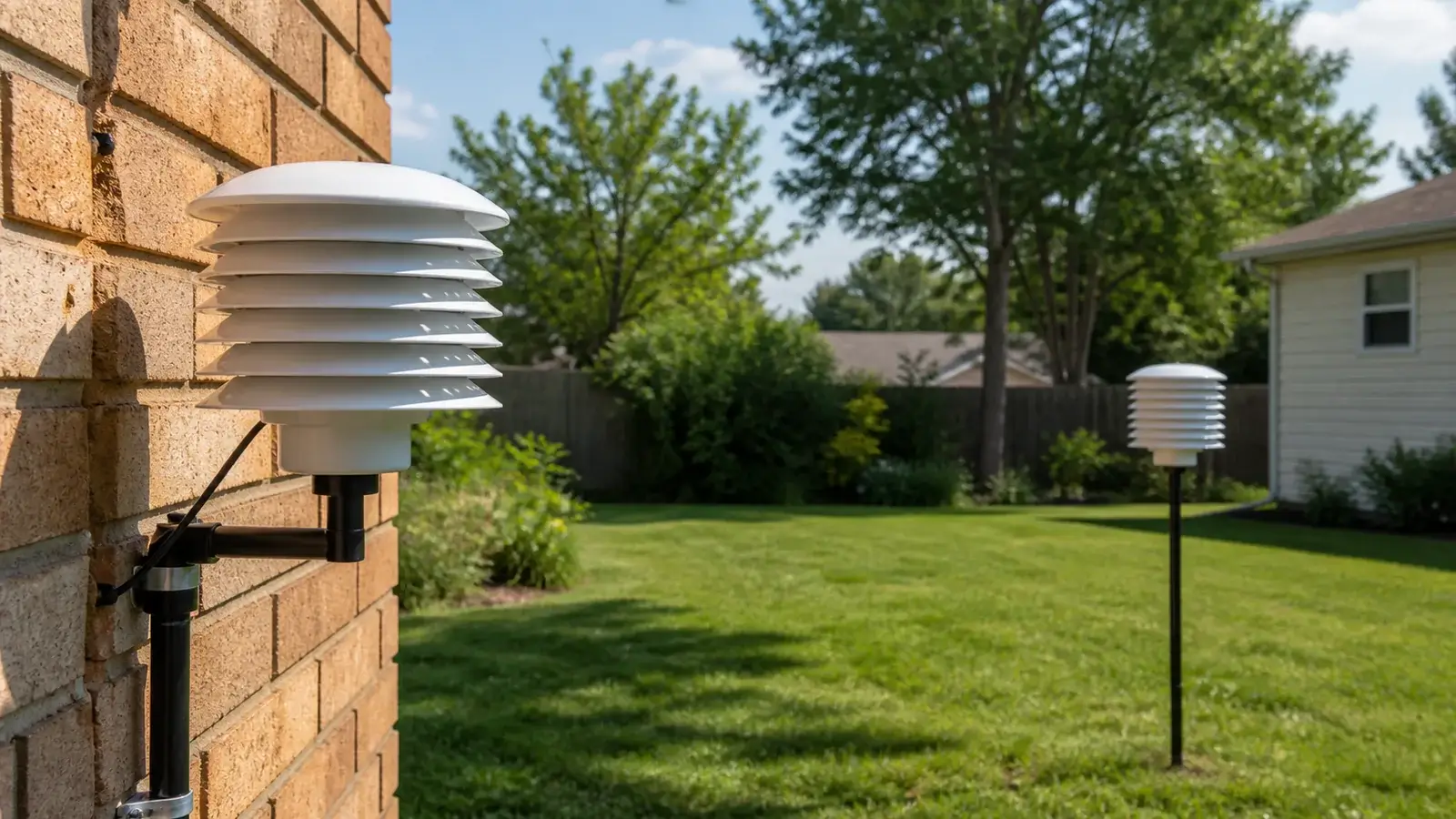
The timing of the error is the first clue
Do not begin by matching an app or airport with a calibration offset. First determine when the difference appears and what each value represents. Record your station, the comparison source, and the observation times for several hours.
| Pattern | Likely causes to check first | Useful test |
|---|---|---|
| High mainly in sunshine | Direct or reflected solar radiation, undersized shield, dirty shield, low airflow | Compare before sunrise, after sunset, and under solid overcast. |
| High after the wall or roof heats | Radiant and convective heat from brick, siding, shingles, pavement, deck, or equipment | Compare the sensor with a shaded ventilated temporary location. |
| High during calm conditions | Heat building inside a passive shield with weak natural ventilation | Look for a larger error on sunny, low-wind afternoons. |
| High by a similar amount all day | Stable sensor offset, wrong channel, nearby continuous heat source, or comparison mismatch | Co-locate suitable sensors in shade and allow them to stabilize. |
| Brief extreme spikes | Sun angle, exhaust plume, reflected heat, intermittent contact, data-processing artifact | Match the spike to sun position, HVAC cycles, and raw/local data. |
| Only the app is high | Different station, forecast value, cached observation, or derived “feels like” field | Identify the app’s station, timestamp, and field name. |
Diagnose a warm outdoor reading in the right order
Confirm the sensor and field
Make sure you are reading outdoor air temperature rather than indoor temperature, heat index, apparent temperature, solar sensor temperature, or another channel. Check units and channel labels after battery or console changes.
Inspect the radiation shield
The sensing element should sit inside a clean, ventilated shield designed to block direct and reflected radiation. Look for missing plates, dirt, insect nests, paint damage, an inactive aspiration fan, or an added cover that restricts airflow.
Trace sunlight and reflected heat
Watch the site through the day. A sensor shaded in the morning may receive low-angle afternoon sun. Glass, light-colored metal, roofing, and neighboring walls can reflect radiation into a location that appears shaded.
Identify nearby heat sources
Air conditioners, dryer vents, exhausts, windows, soffits, chimneys, vehicles, pool equipment, compost, and irrigation can alter the local measurement. Roofs, concrete, stone, and dark decks store heat and release it after sunset.
Check height, ground cover, and airflow
A representative home installation usually favors a ventilated shield over natural ground and away from large artificial surfaces. An integrated array may force a compromise, document what the station actually represents.
Clean, stabilize, and retest
After moving or cleaning a sensor, allow enough time for the shield, housing, and sensing element to reach the new environment. Judge the pattern over several comparable periods, not the first few minutes.
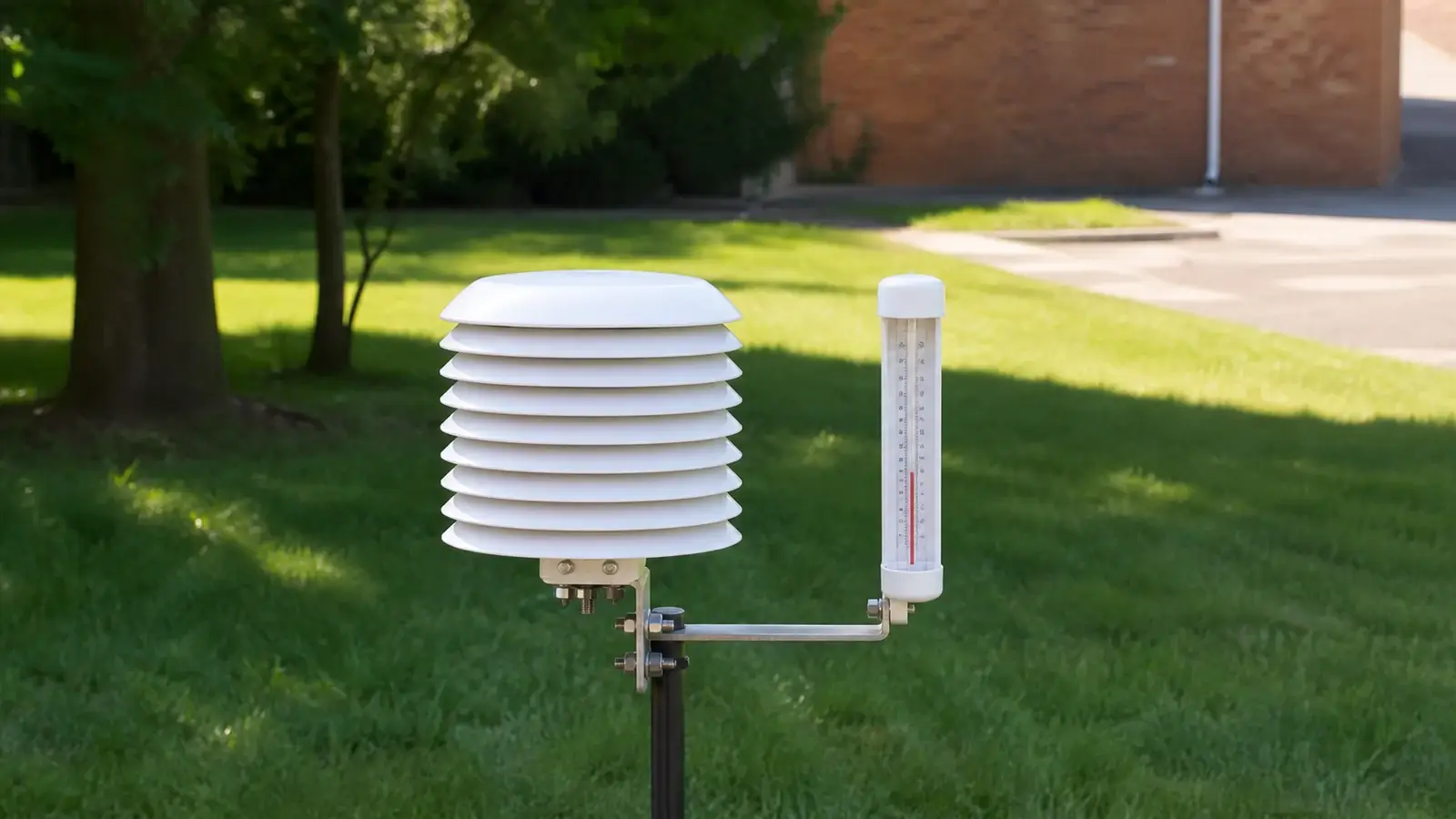
Compare temperature readings fairly
A phone app may show the latest airport observation, a private station, a gridded estimate, or a forecast for the hour. Those are not interchangeable with a current backyard sensor reading. Check the source name, distance, elevation, timestamp, and whether the value is observed or forecast.
- Compare the same clock time and the same units.
- Use a nearby station with a reasonably similar elevation, land cover, and exposure.
- Expect real differences between a sheltered yard, an airport field, a hilltop, a valley, and a dense neighborhood.
- Compare trends and repeated bias, not one instant.
- Give extra weight to overcast, breezy, or nighttime comparisons when testing solar warm bias.
- Do not put two different devices in a closed room and expect an immediate exact match, housings and sensors respond at different rates.
When calibration is appropriate
Apply an offset only after the station is clean, properly configured, and in the best practical exposure. A calibration can correct a stable sensor bias. It cannot correct an error that changes with sun angle, wind, surface temperature, or HVAC cycles.
Choose this when the error grows in sunshine, near warm surfaces, or under low airflow. Modular stations make this easier because the temperature sensor can be separated from wind and solar hardware.
Choose this only when a suitable reference shows a repeatable difference under stable, representative conditions and the manufacturer supports temperature adjustment.
A dirty shield or failed fan can create a changing warm bias. Restore the hardware before changing software calibration.
Consider replacement when readings jump implausibly, remain outside documented tolerances after controlled comparison, or show physical damage or moisture intrusion.
Record the date, old and new offset, sensor location, comparison source, and conditions. Recheck warm afternoons and cool nights after the change so an apparent improvement in one situation does not hide a new error in another.
Frequently asked questions
Why is my weather station hotter than the official temperature?
Your sensor and the official station may have different elevation, ground cover, shade, wind exposure, and observation times. If the difference is largest in sunshine, investigate shielding and nearby heated surfaces before assuming sensor failure.
Should an outdoor temperature sensor be in direct sun?
The sensor may be mounted in an open location only when an adequate radiation shield protects the sensing element and allows ventilation. A bare or poorly shielded sensor in sun usually reads too warm.
Can a roof or wall make a weather station read high?
The answer is yes. Roofs, masonry, siding, pavement, decks, and windows can absorb, emit, or reflect heat. A sensor can therefore measure a real but unrepresentative warm pocket near the structure.
How long should I wait after moving the sensor?
Wait until the housing and sensor stabilize, then compare over multiple conditions. The exact response depends on the device, shield, airflow, and size of the temperature change.
Sources and further reading
These primary and manufacturer references support the definitions, diagnostic steps, and limitations in this guide.
National Weather Service/CWOP Personal Weather Station Siting Guide — exposure, radiation shielding, rain-gauge and wind-sensor placement
National Weather Service/CWOP Official Guide for Personal Weather Stations — measurement quality, siting, comparison, and performance guidance
Weather Underground Personal Weather Station Installation Guide — consumer-station siting and exposure examples
NWS cooperative observer siting requirements — representative ground, ventilation, height, and separation from artificial surfaces
Model controls and reset sequences vary. Use the current manual for your exact console, sensor, hardware revision, and radio region before changing calibration, power, pairing, or network settings.